The Call Guy help centre
How can we help?
Every answer about The Call Guy, section by section.
Popular:Merge fieldsHow credits workCalling hoursInvite your team
Popular
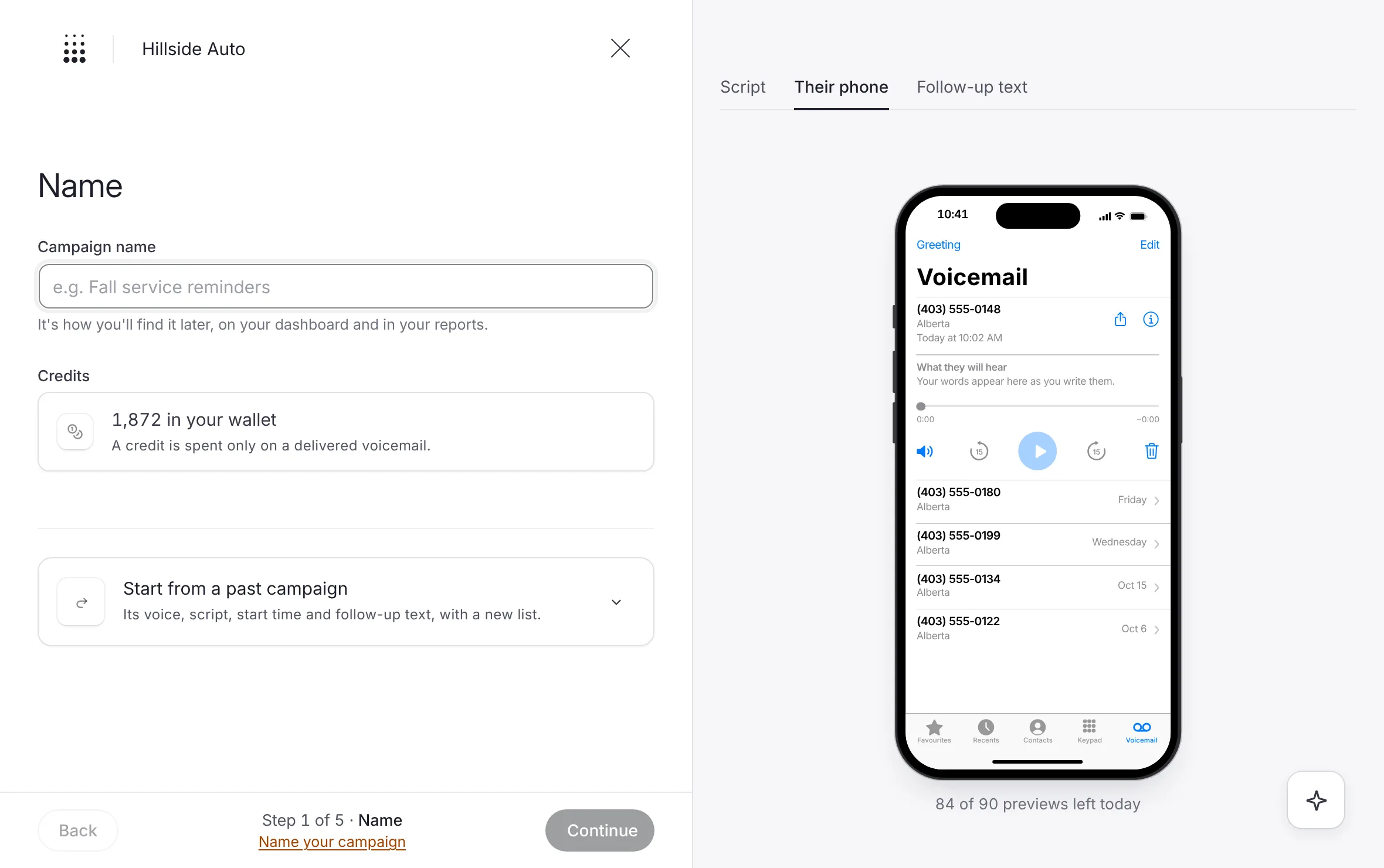 ExampleSend your first campaignThe short path to a first campaign: credits, a list, a voice, a script, a start time, then sign and submit for review.
- Upload a listAdd your contact file on the Audience step, see what the builder read, and fix a file it cannot use.
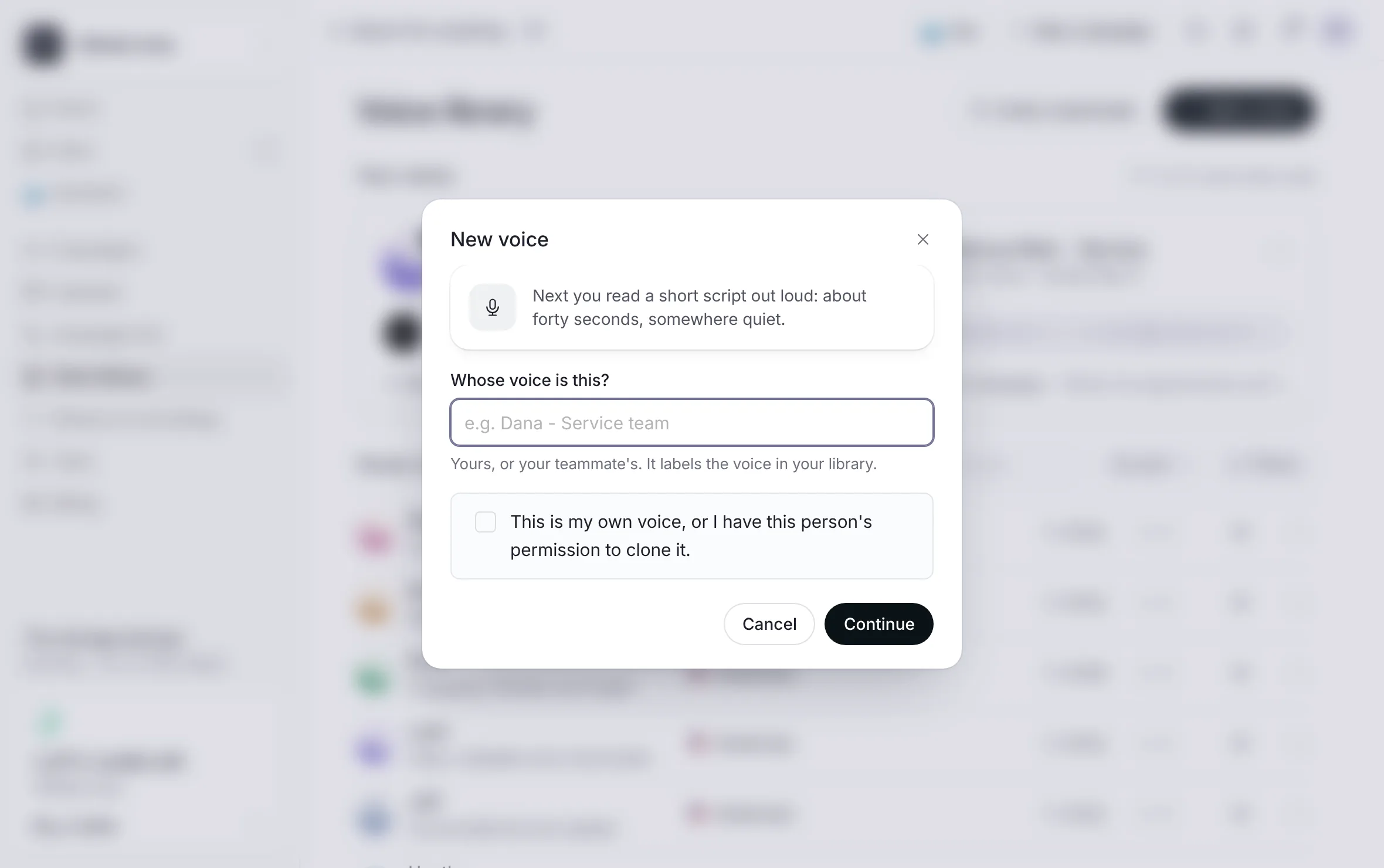 ExampleRecord your own voiceClone your voice or your team's from one short read in the voice studio, with permission, and use it in any campaign.
New here? Start with these.
From sign-up to your first campaign out, and how to find your way around the dashboard.
- How a campaign runsThe whole product in four steps, from your list to the calls coming back: build, review, delivered, callbacks.
- Create your accountSign up at /start, prove your email with a code, choose a password and tell us about your business.
- Set up your businessWalk the short setup that opens after sign-up, step by step, and know where to finish or change it later.
- Your setup checklistThe task list in the corner of the dashboard and on Getting started, what each task asks, and when it ticks itself.
- Confirm your emailWhy your sign-in email must be confirmed, what waits until it is, and how to send yourself a fresh link.
Browse by section. 101 articles in 14 sections.
Still stuck? Talk to a person.
Call (587) 330-4225, or ask the assistant once you’re signed in.