Getting started
From sign-up to your first campaign out, and how to find your way around the dashboard.
- How a campaign runsThe whole product in four steps, from your list to the calls coming back: build, review, delivered, callbacks.Read the article
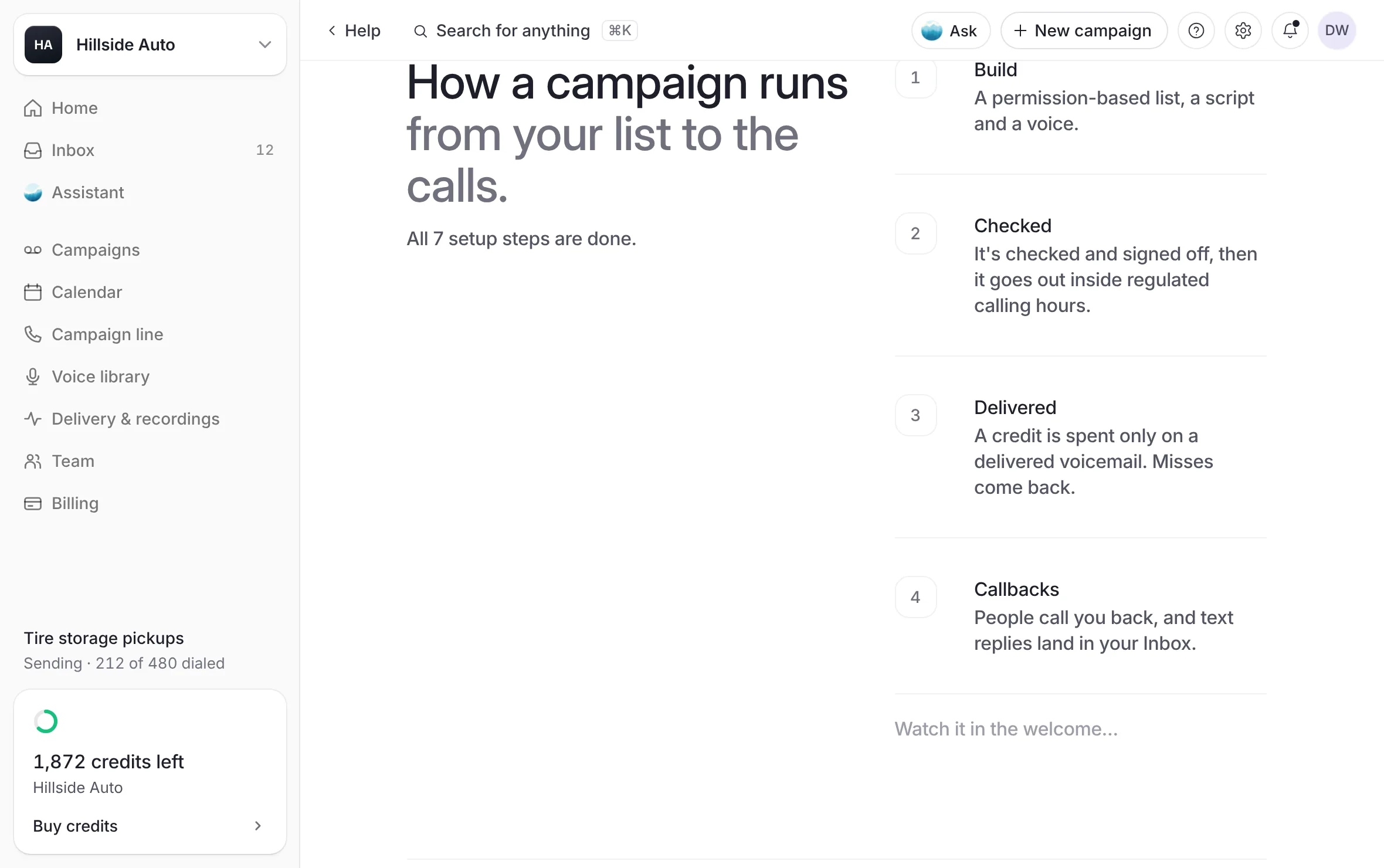 Example
- Create your accountSign up at /start, prove your email with a code, choose a password and tell us about your business.Read the article
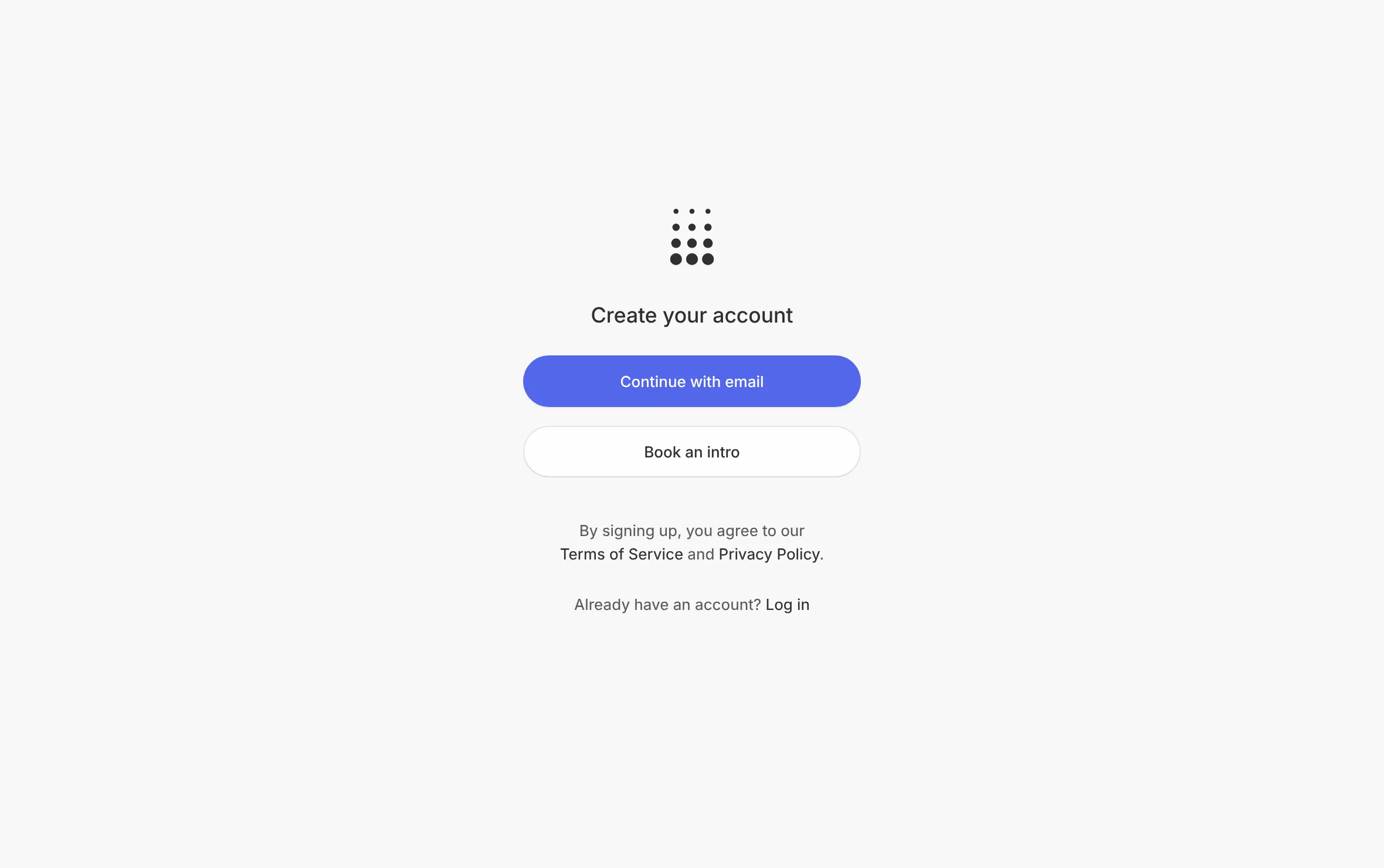 Example
- Set up your businessWalk the short setup that opens after sign-up, step by step, and know where to finish or change it later.Read the article
- Your setup checklistThe task list in the corner of the dashboard and on Getting started, what each task asks, and when it ticks itself.Read the article
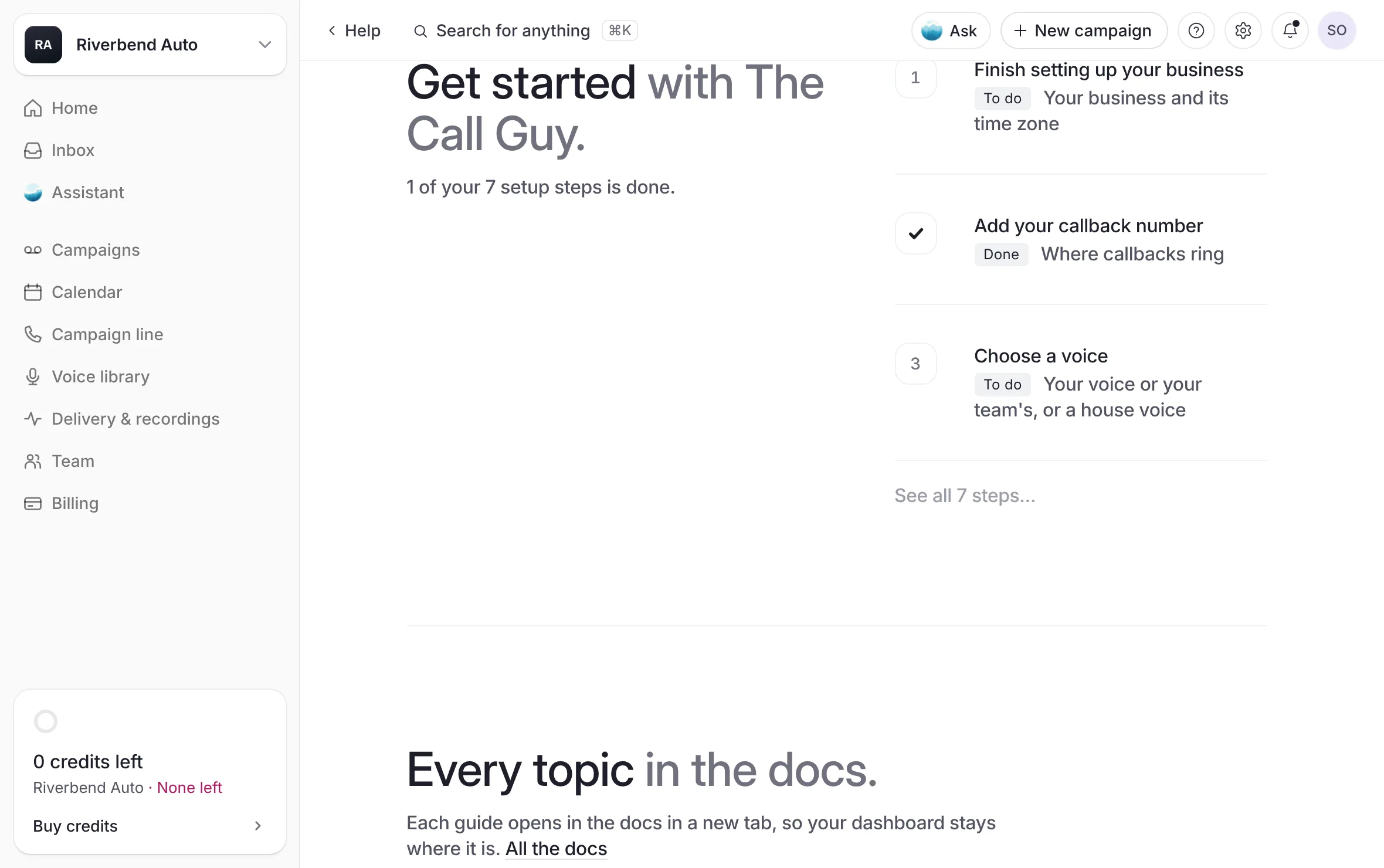 Example
- Confirm your emailWhy your sign-in email must be confirmed, what waits until it is, and how to send yourself a fresh link.Read the article
- Send your first campaignThe short path to a first campaign: credits, a list, a voice, a script, a start time, then sign and submit for review.Read the article
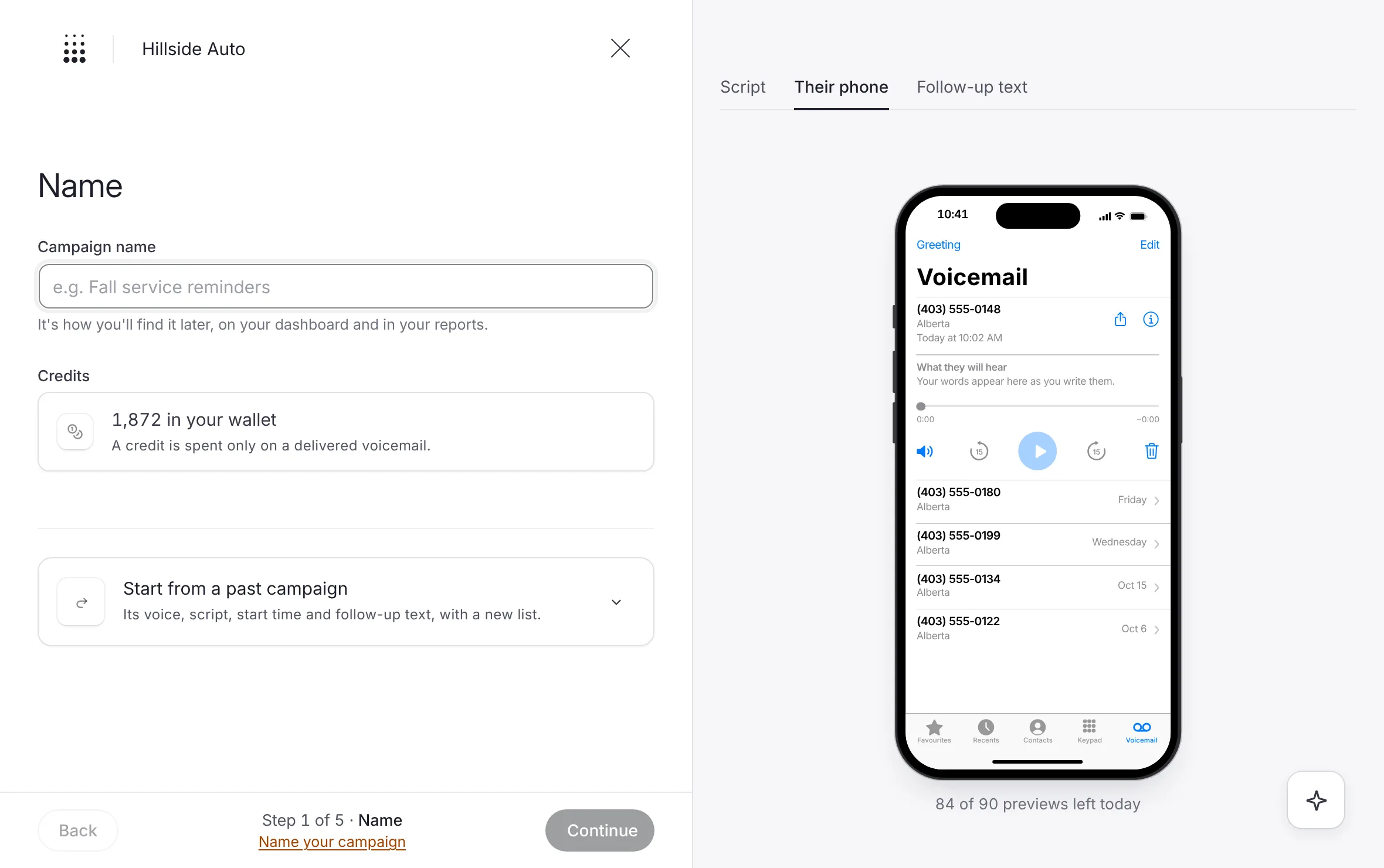 Example
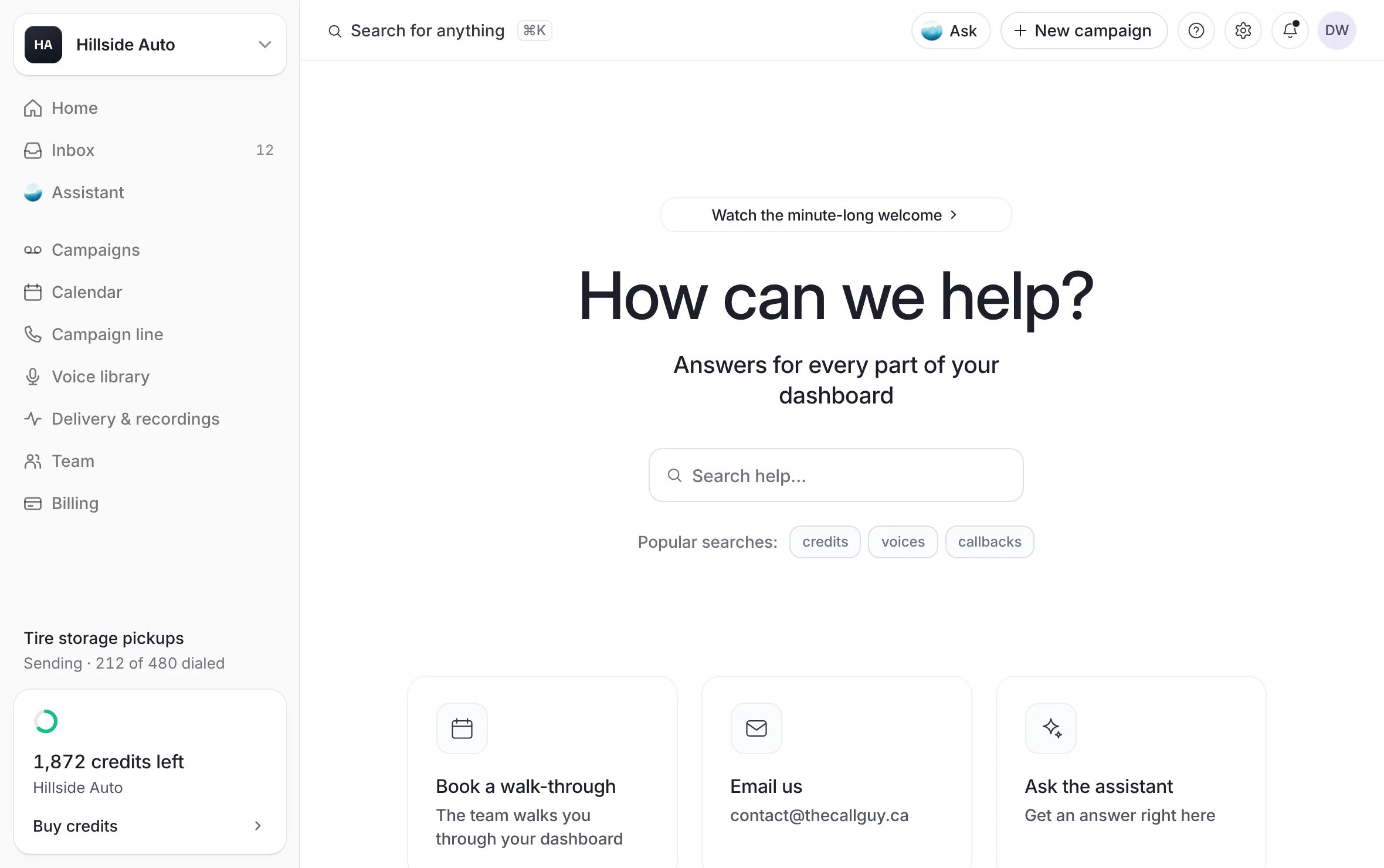
- Find your way aroundThe sidebar's places, the top bar, search, the Help menu and the tour: where everything lives in the dashboard.Read the article
- Get help from the teamEvery way to reach a person: the Help page, a note to the team to build a campaign with you, a walk-through, email and phone.Read the article
 Example
Everything you need to go from a new account to your first campaign out. Read the articles in order the first time. Each one also stands on its own.
Where to go next
Build a campaign: every step of the builder.
Buy credits: pick a bundle and pay its invoice.
What the campaign line is: your local number, callbacks and follow-up texts.
Invite your team: Members and Admins.
Ask the assistant: build a campaign in a conversation.
Troubleshooting and FAQ.
Last updated October 19, 2026