A message for each lead, or one take for everyone
The two ways a campaign's voicemail is made, what each one can say, and why they cost the same.
Every campaign speaks in one of two ways. A message for each lead makes a voicemail for every contact, with their own details in it. One take for everyone makes one recording for the whole list. You choose on the builder's first step.
The two modes
| Mode | What your contacts hear | Details from your list |
|---|---|---|
| A message for each lead | Each voicemail speaks the customer's own details, such as their first name or their vehicle. | Yes. Any column you include can be spoken. |
| One take for everyone | One recording, delivered to the whole list. Everyone hears the same words. | No. The script holds no details. |
Both modes cost the same: one credit for each delivered voicemail, from the same wallet. Both need a list of at least 25 contacts, and both go through the same review and the same delivery.
Choose the mode
In the builder, on Name, find Message.
Select A message for each lead or One take for everyone.
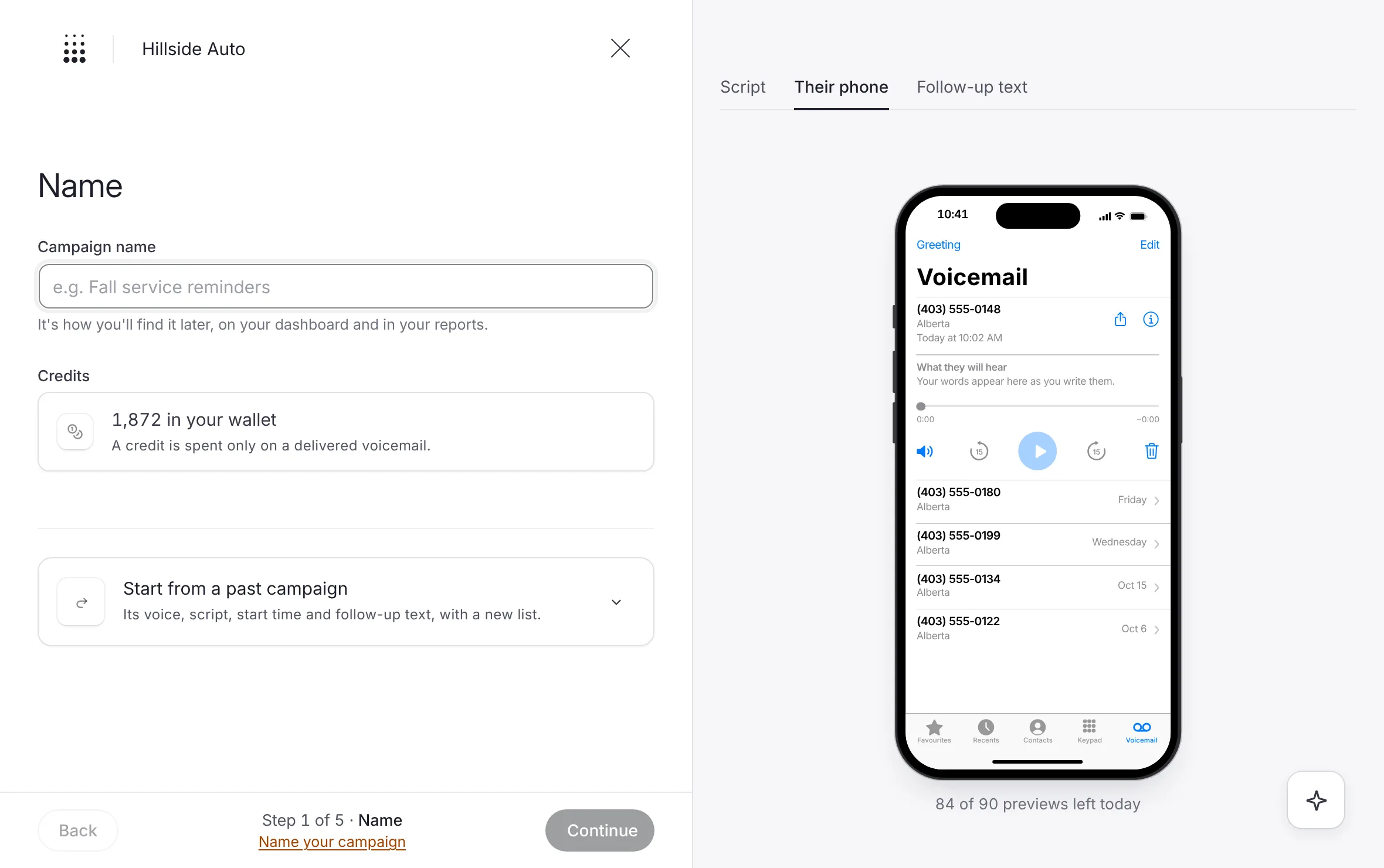 Example
What you see
One line under the switch says what the mode does: "Each voicemail speaks the customer's own details." or "One recording, delivered to the whole list."
You can switch again on Voice and message, under Message, before you write or while you write.
Write for each mode
A message for each lead
On Voice and message, place the cursor in Voicemail script where a detail belongs.
Select the detail's button under the script. In each voicemail, the contact hears their own value.
If some contacts have a blank in a detail you used, give that blank a word under When a contact has a blank.
See Merge fields for every detail and every check.
One take for everyone
On Voice and message, write the script in Voicemail script, without details.
Play it in the preview to hear the take.
What you see
If the script holds a brace, a notice reads One take for everyone has no variables: the voice would read the braces aloud. Take them out, or switch to A message for each lead.
Good to know
Each mode keeps its own script. Switching modes shows the script you wrote for that mode.
The Review step and the campaign's page both name the mode, under Message.
With One take for everyone, the campaign's page holds one recording for the whole list. With A message for each lead, it holds one per contact. See Every voicemail, and what each person heard.
A voicemail can run to 700 characters in either mode. With A message for each lead, that counts each contact's voicemail with their details filled in. See Write a script people call back.
Related
Last updated October 19, 2026
Was this helpful?