Dealer groups
Run several stores from one login, with one view of them all, one invite for people across stores, and one balance.
- Dealer groupsOne login runs several stores, each with its own campaigns, line and team, plus one view of them all.Read the article
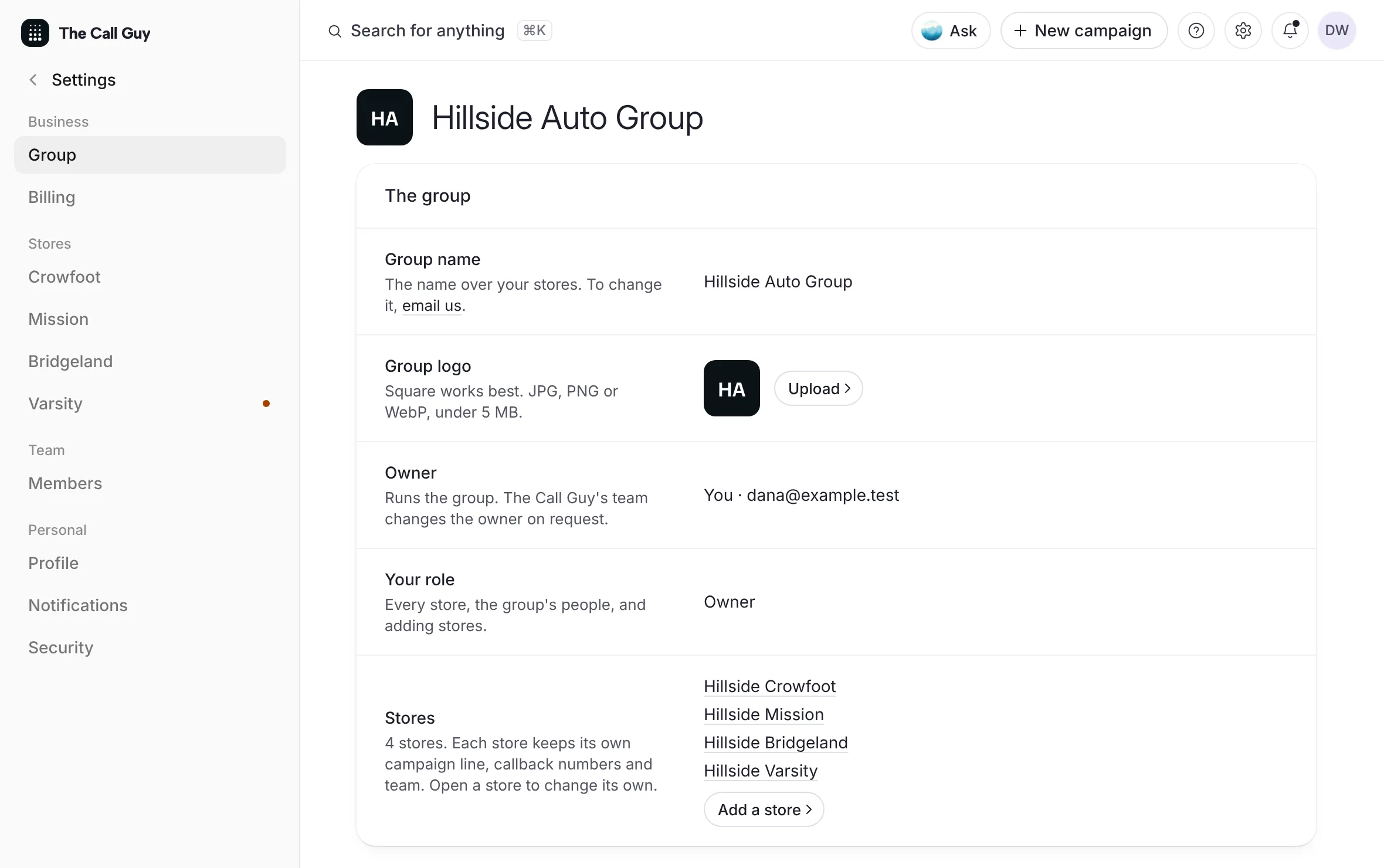 Example
- All stores at a glanceSee every store's credits, deliveries and calls back side by side, with one campaigns list and one calendar across the group.Read the article
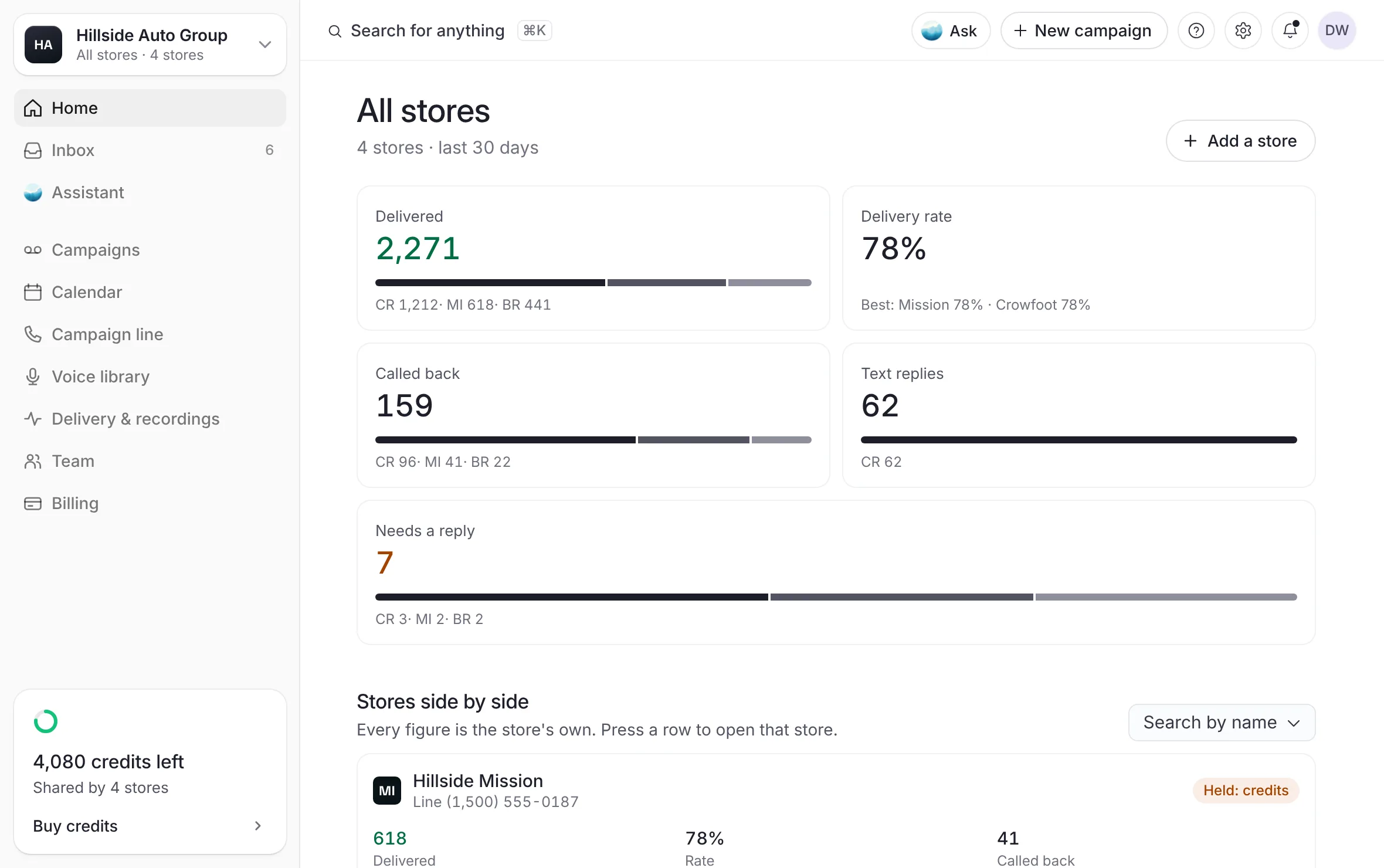 Example
- Switch between storesUse the pill at the top of the sidebar to open another store or All stores, on a desk or a phone, and know what follows you.Read the article
- Add another storeTurn your account into a group by adding a second store, or add a store to your group, without a second mailbox.Read the article
- People and levels across storesInvite one person to every store or some of them, give them a level on each store, and change or remove them later.Read the article
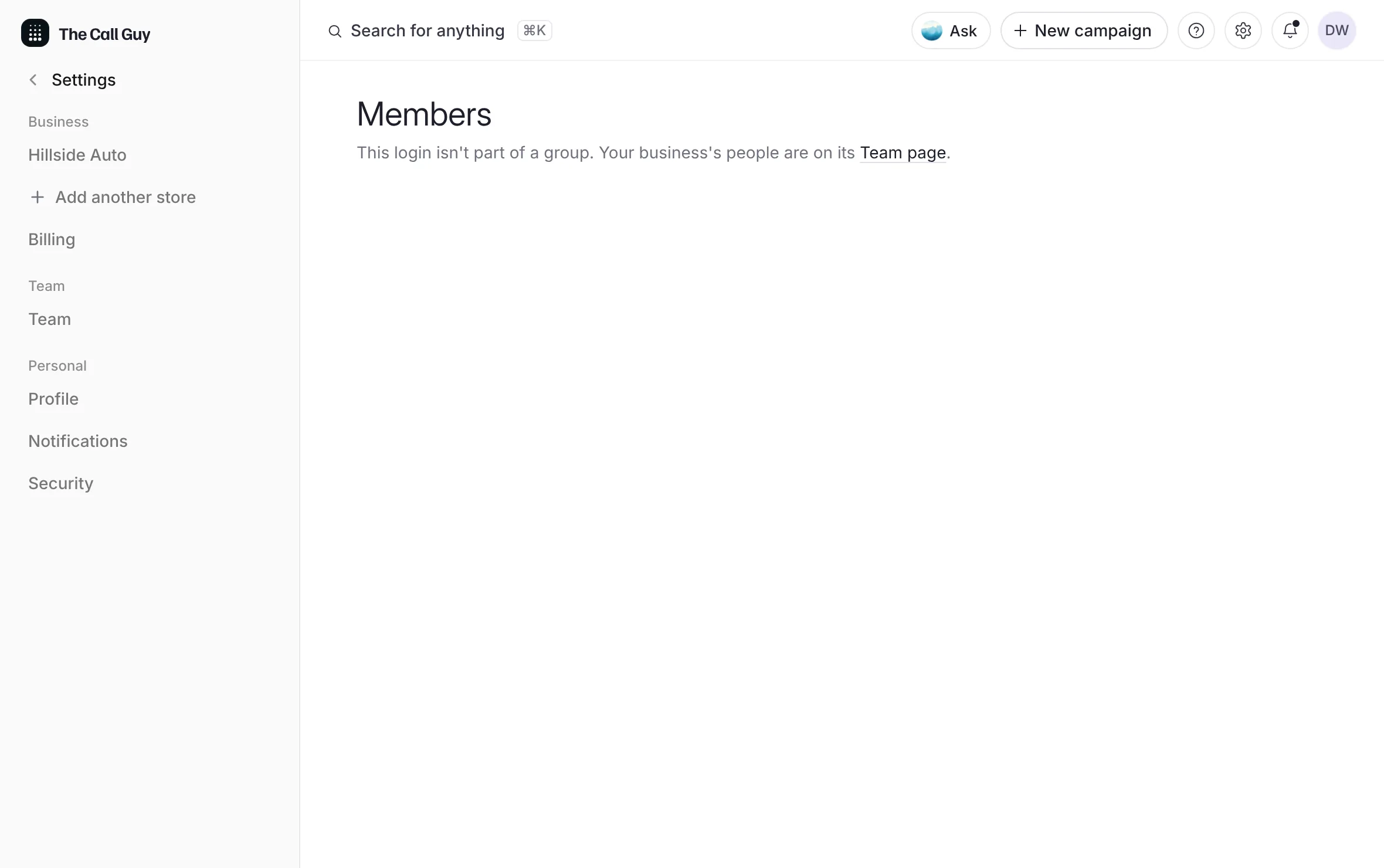 Example
- Billing across storesA group's stores spend one shared balance, bought on one store, with each store's spend shown; line numbers stay each store's.Read the article
A dealer group runs several stores from one login. Each store keeps its own campaigns, campaign line, callback numbers and team. The group adds a switch at the top of the sidebar, an All stores view, one invite for people who work at more than one store, with a level on each store, and one balance of credits.
Last updated October 19, 2026