Scripts and voices
Write what your voicemail says, choose who reads it and how it sounds, hear it first, and manage your voice library.
- Write a script people call backWrite the words your voicemail says, keep it inside the length the builder checks, point callers to the right number, and get help with the words.Read the article
- Tone, pace and volumeSet how the voice reads your script under How it sounds, and what each of the three controls changes in the take today.Read the article
- Hear it before anyone elsePlay the voicemail as each contact will hear it, in the preview beside the builder, before you sign the campaign.Read the article
- The house voicesReady-made voices for any campaign, with nothing to record: who they are, how to find one, and how to use it.Read the article
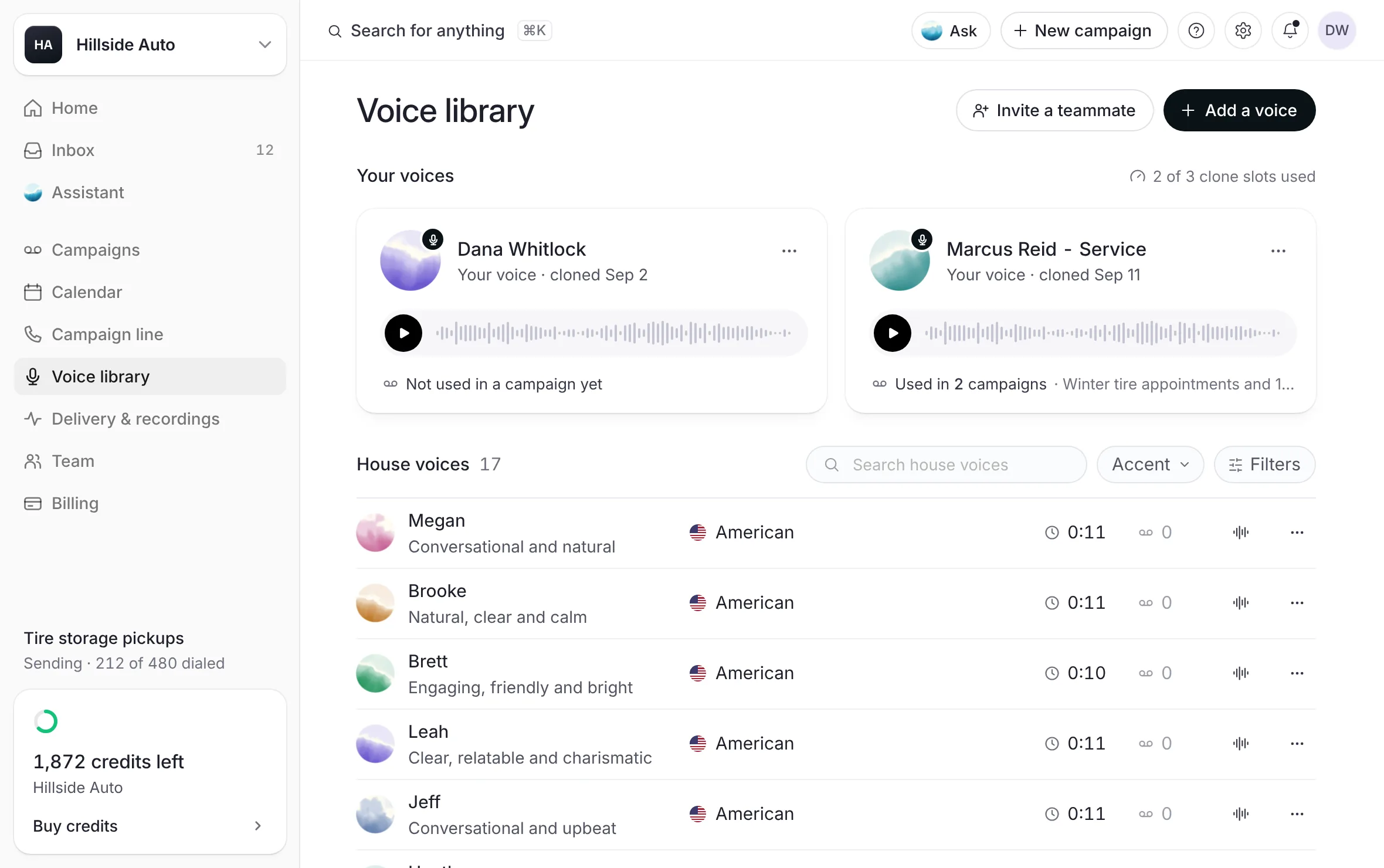 Example
- Record your own voiceClone your voice or your team's from one short read in the voice studio, with permission, and use it in any campaign.Read the article
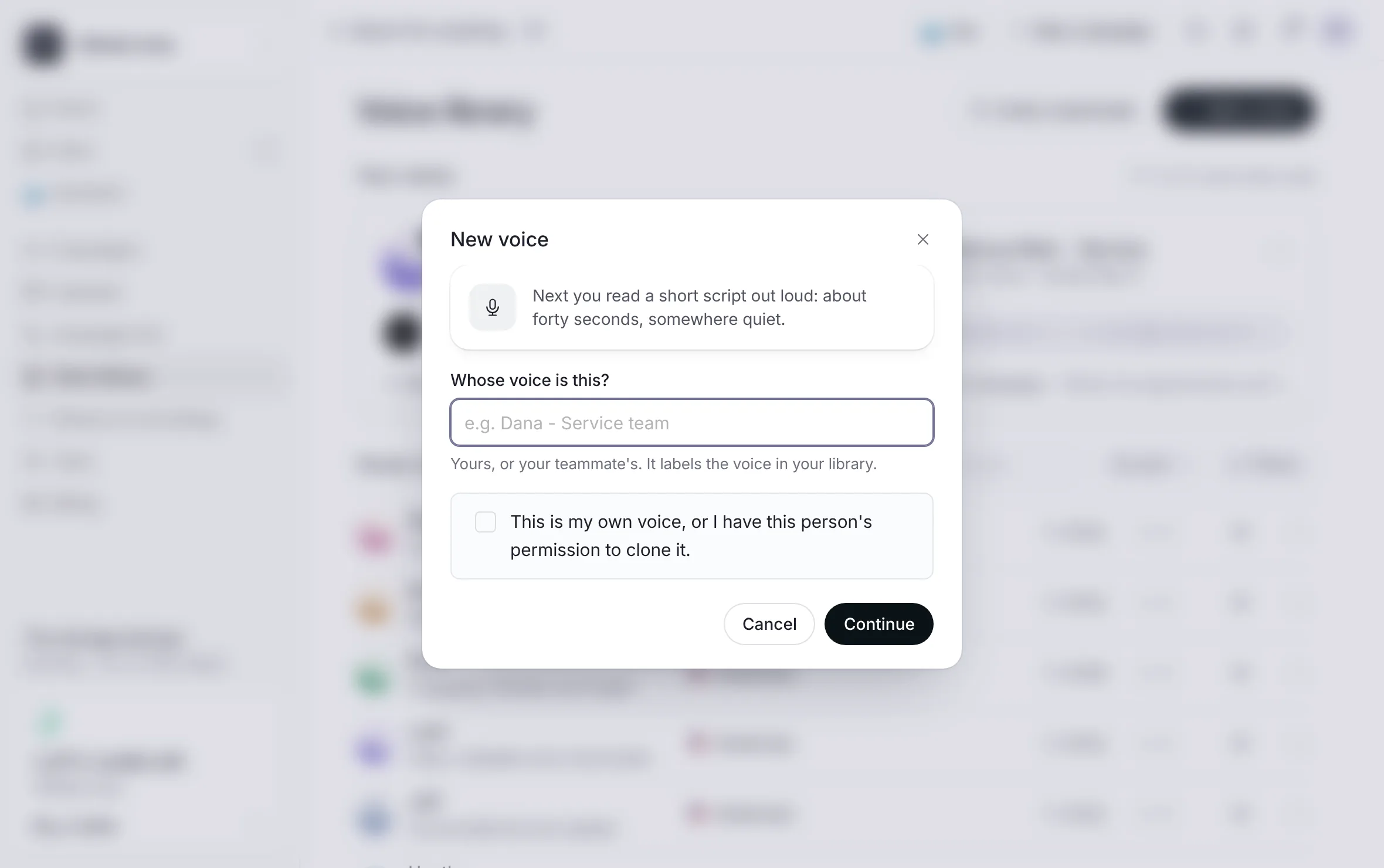 Example
- Add a teammate's voiceSend a teammate a private link: they read a short script with their consent spoken in it, and their voice lands in your library.Read the article
- Remove a voiceRemove a cloned voice from your library to free its slot, undo it in the moment, and what stops a removal.Read the article
A voicemail is a script and a voice. These pages cover both: writing words people call back about, setting how they are read, hearing the result before anyone else, and the voices in your library, your voice or your team's, or a house voice.
Last updated October 19, 2026