Account and security
Your team and their levels, the team's log, support visits, how you sign in and stay safe, your details, and the emails you get.
- Invite your teamInvite teammates by email as a Member or an Admin, see what they do to join, and resend, copy or revoke an invite.Read the article
- Member or AdminWhat a Member and an Admin can each do, what only the account owner does, and how to change someone's level.Read the article
- Team activitySee who did what in your workspace, newest first: invites, joins, access changes, sign-ins, support visits and campaign reviews.Read the article
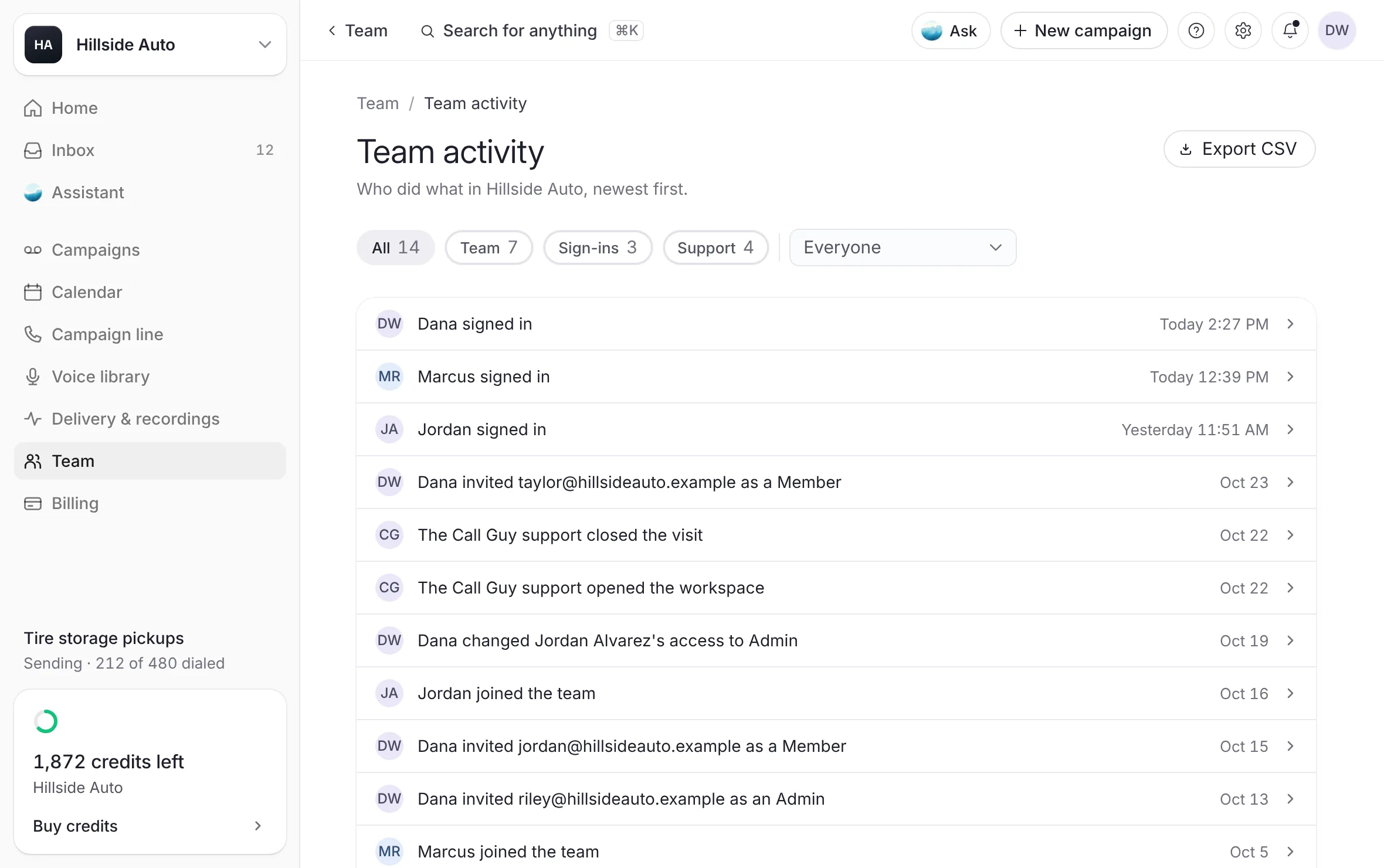 Example
- When our support team is in your workspaceHow the team behind The Call Guy opens your workspace to help, read-only or to make a change, how long it lasts, what it can do, and where every visit is logged.Read the article
- Two-step sign-inAdd a six-digit code from an authenticator app to every sign-in, turn it off with a current code, and what to do if you lose your phone.Read the article
- Your passwordSign in with your password, reset a forgotten one, change it in Settings, and what makes a password refused.Read the article
- Where you're signed inSee every browser and phone signed in to your login, sign one out, or sign out everywhere else.Read the article
- Change your sign-in emailCheck that your sign-in email is confirmed, send the confirmation again, and ask the team to move your account to a new address.Read the article
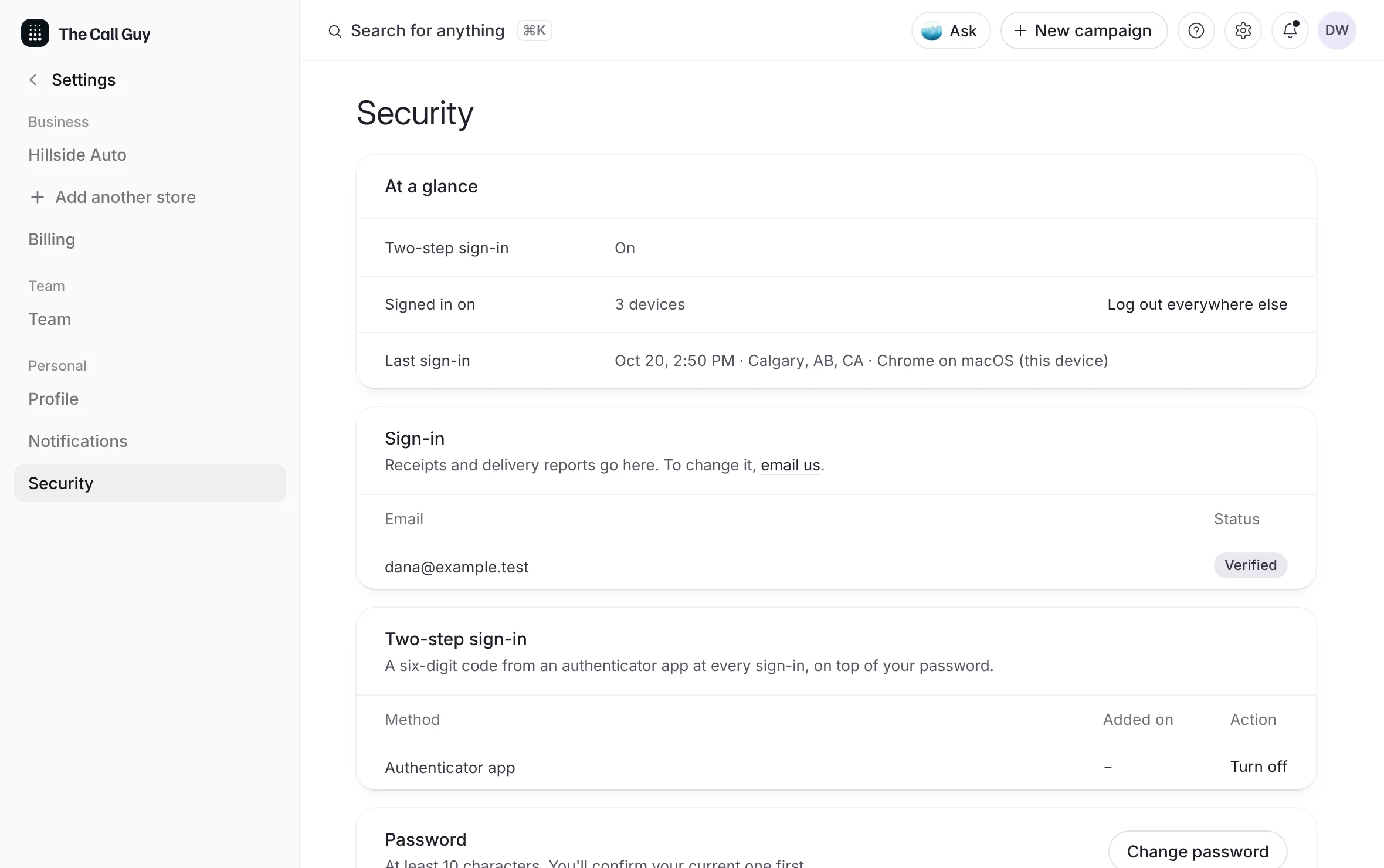 Example
- Your profile and your store's detailsYour own name, mobile and province on your profile, and your business's name, industry, website and time zone on its profile.Read the article
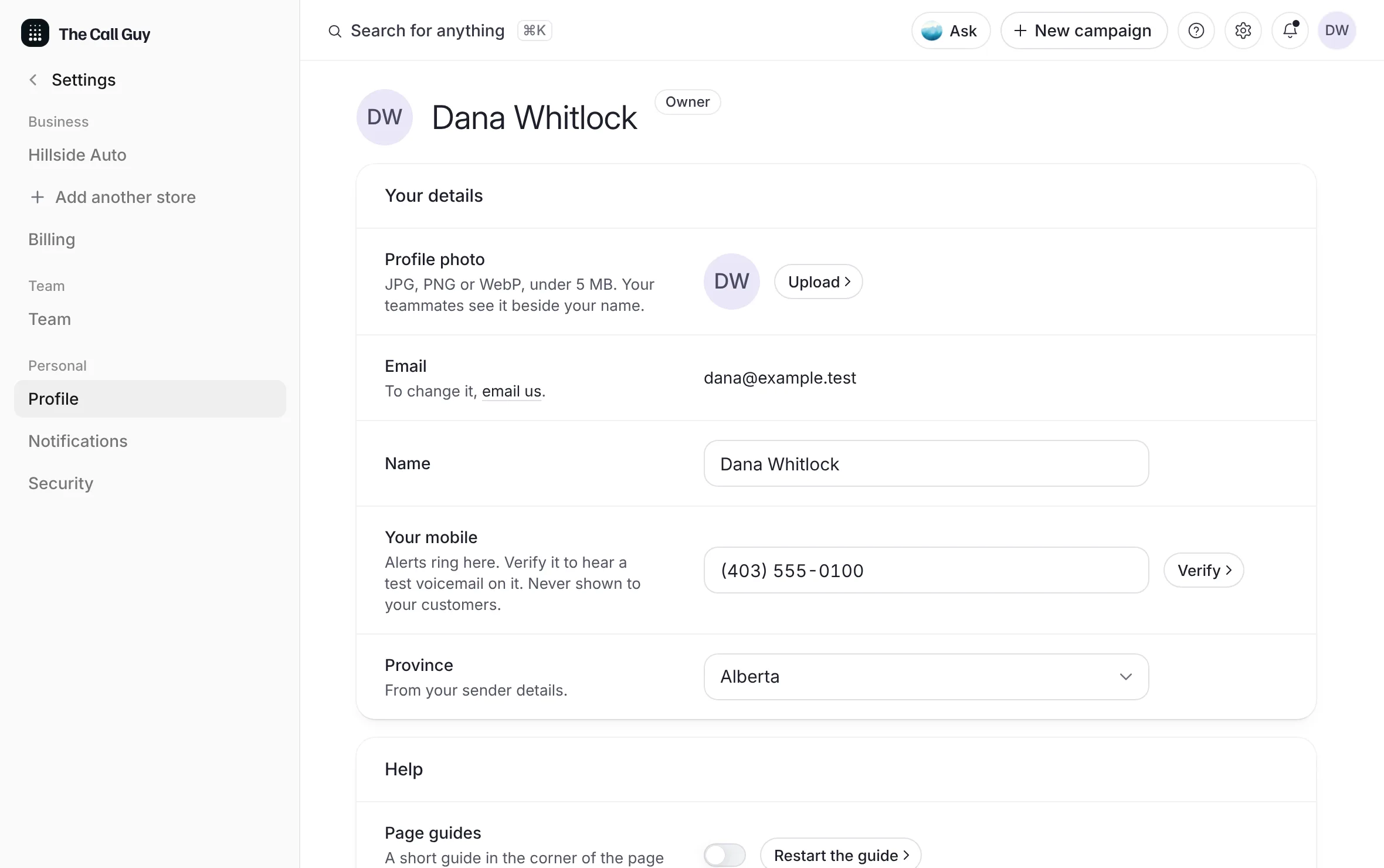 Example
- Several workspaces on one loginOne login can hold seats on more than one business. Switch between them from your account menu; one is open at a time.Read the article
- Emails we send youThe emails The Call Guy sends, who gets each one, which you can switch off in Notifications, and how to reach a person.Read the article
These articles cover the people in your workspace and how each of you signs in: inviting your team and choosing their level, the team's log, visits from our support team, two-step sign-in, passwords and devices, your details, and the emails we send. Most of them open from your initials at the top right of the dashboard, or from Team in the sidebar.
Last updated October 19, 2026