Campaigns
Building, finding, changing and re-running campaigns.
- Build a campaignThe campaign builder from start to finish, in five steps, from naming the campaign to signing it and sending it to our team for review.Read the article
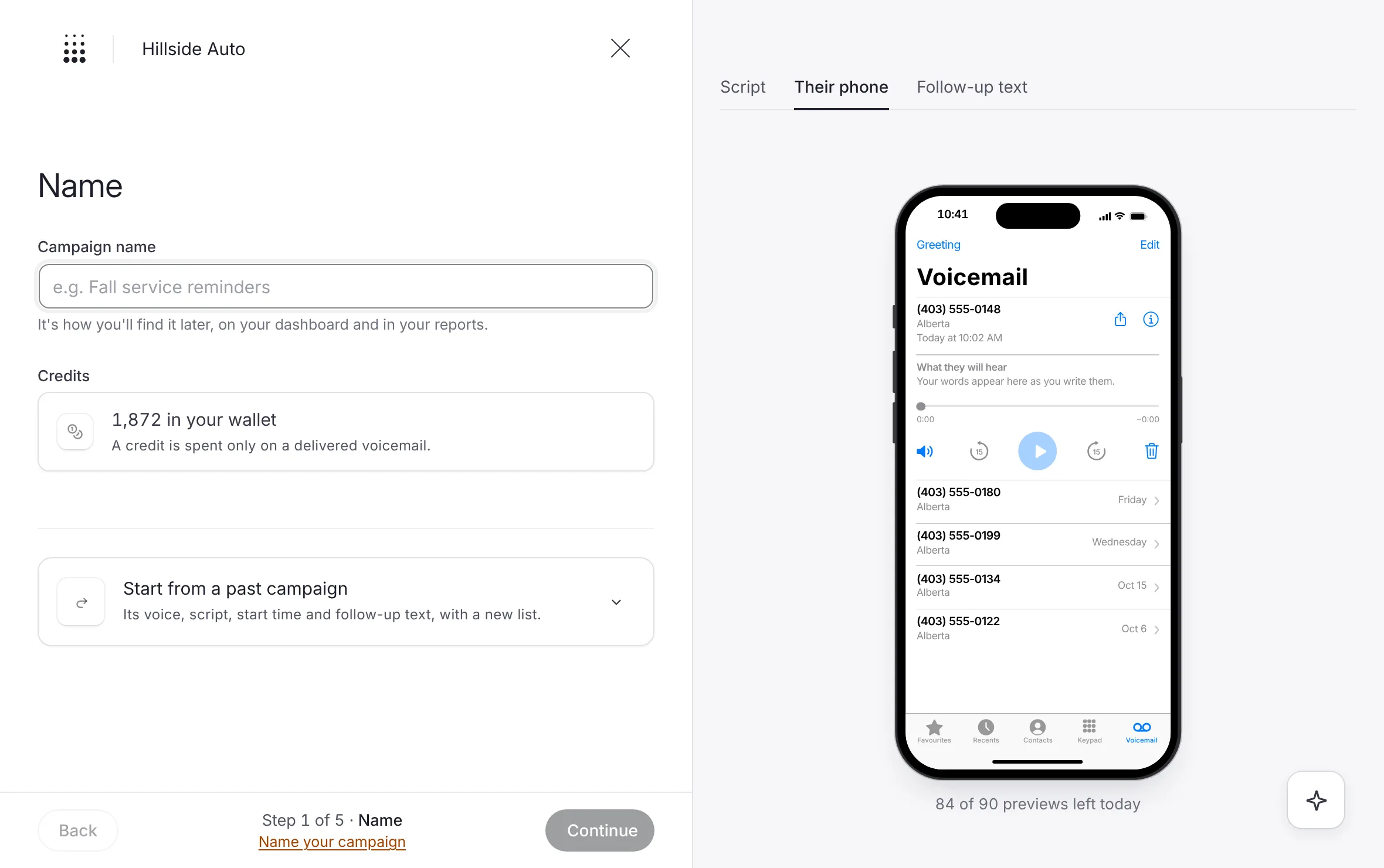 Example
- A message for each lead, or one take for everyoneThe two ways a campaign's voicemail is made, what each one can say, and why they cost the same.Read the article Example
- What each status meansEvery status a campaign can show, from Uploading to Done, what it means and whether it waits on you.Read the article
- Your campaigns and the calendarFind any campaign in the list or on the calendar, read its row, filter and sort, take a quick look, and export.Read the article
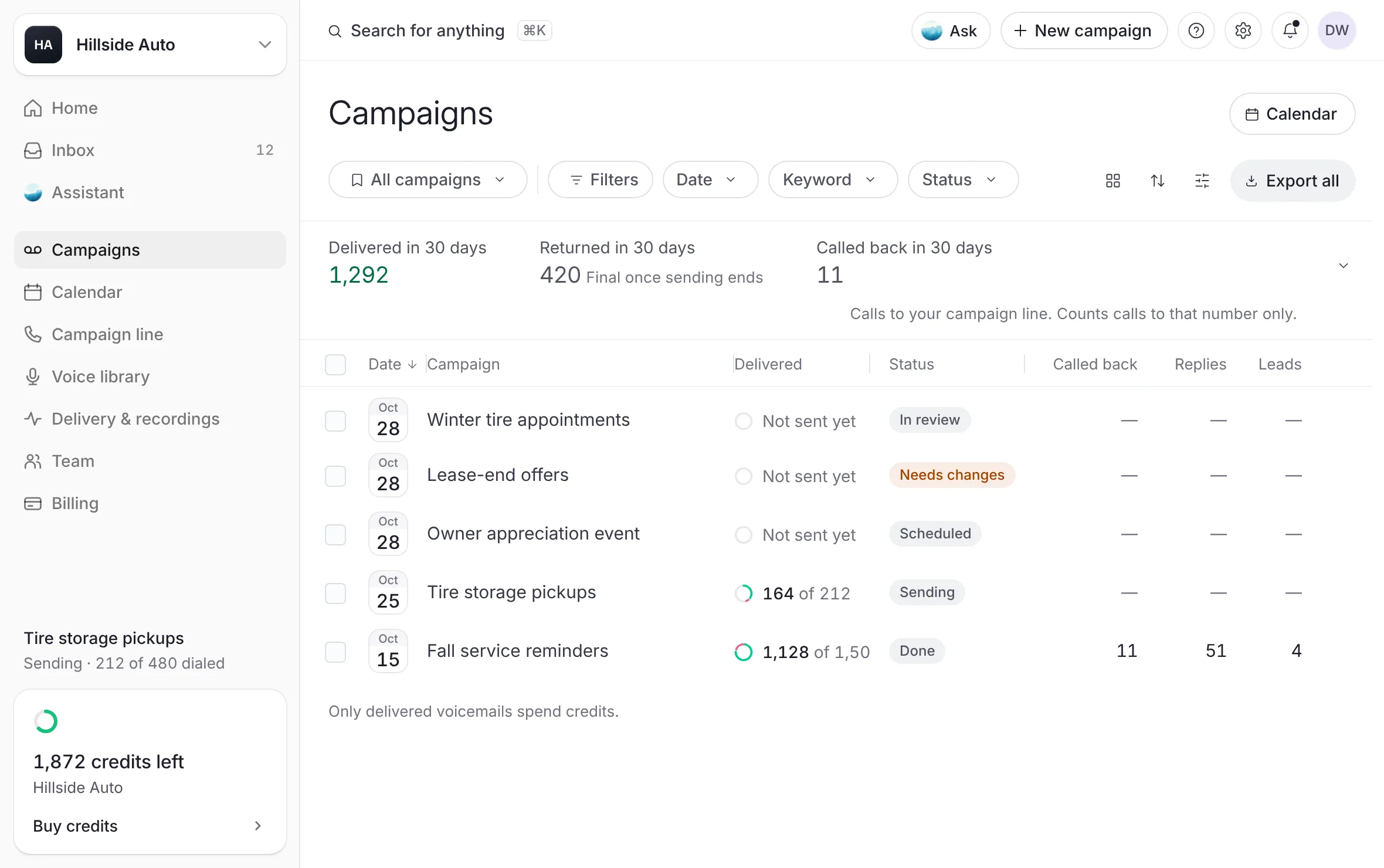 Example
- A campaign's pageEverything one campaign's page holds, from its delivery and what came back to every contact, the follow-up texts, the callbacks, the CRM leads, the details, the trail and the export.Read the article
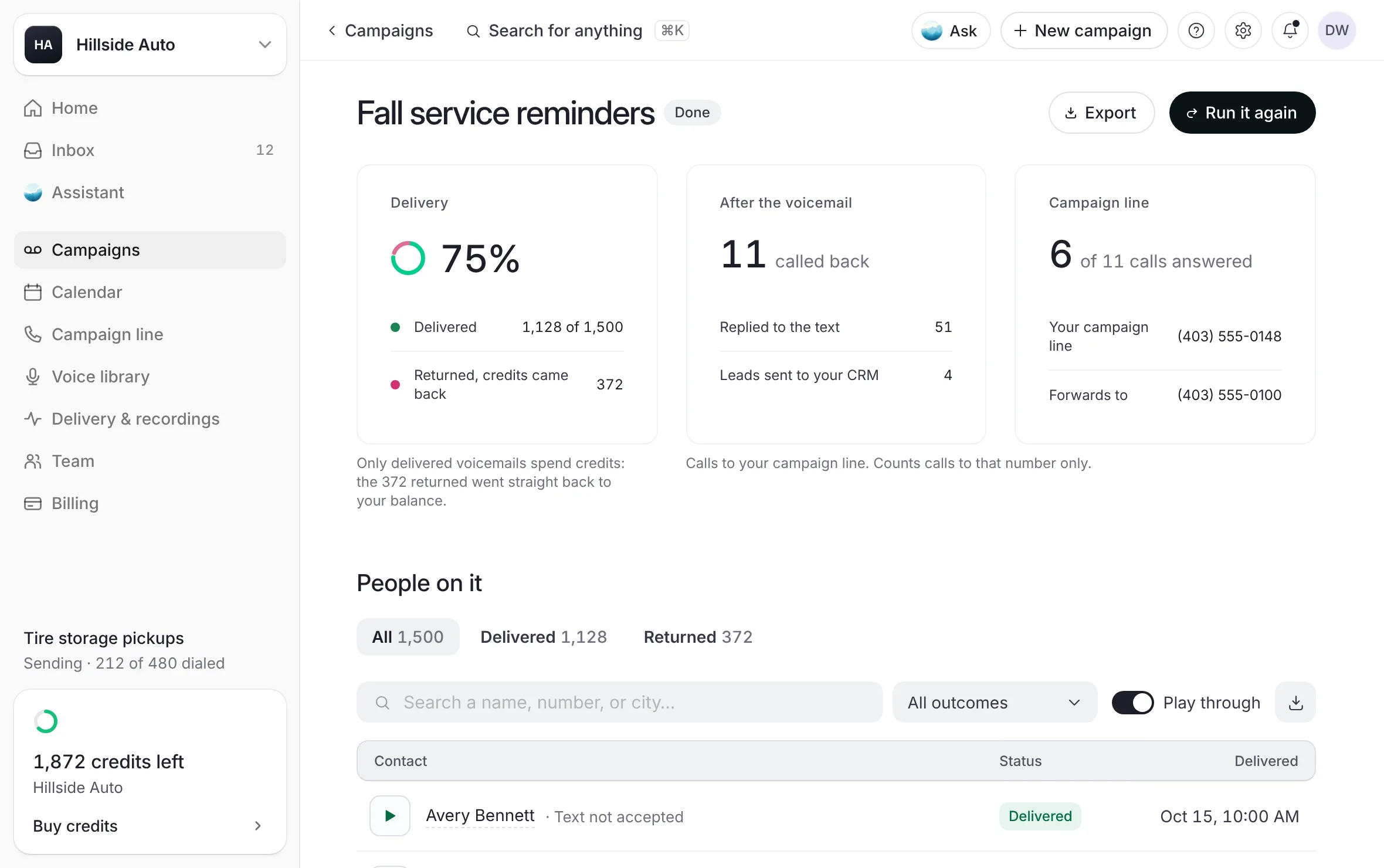 Example
- Run a campaign againStart a new campaign from one you ran before, with the same voice, script and follow-up text, and a new list and day.Read the article Example
- Change or cancel a campaignWhat you can change after you submit a campaign, how to answer a change our team asks for, how to cancel a scheduled campaign, and how to move where its callbacks ring.Read the article
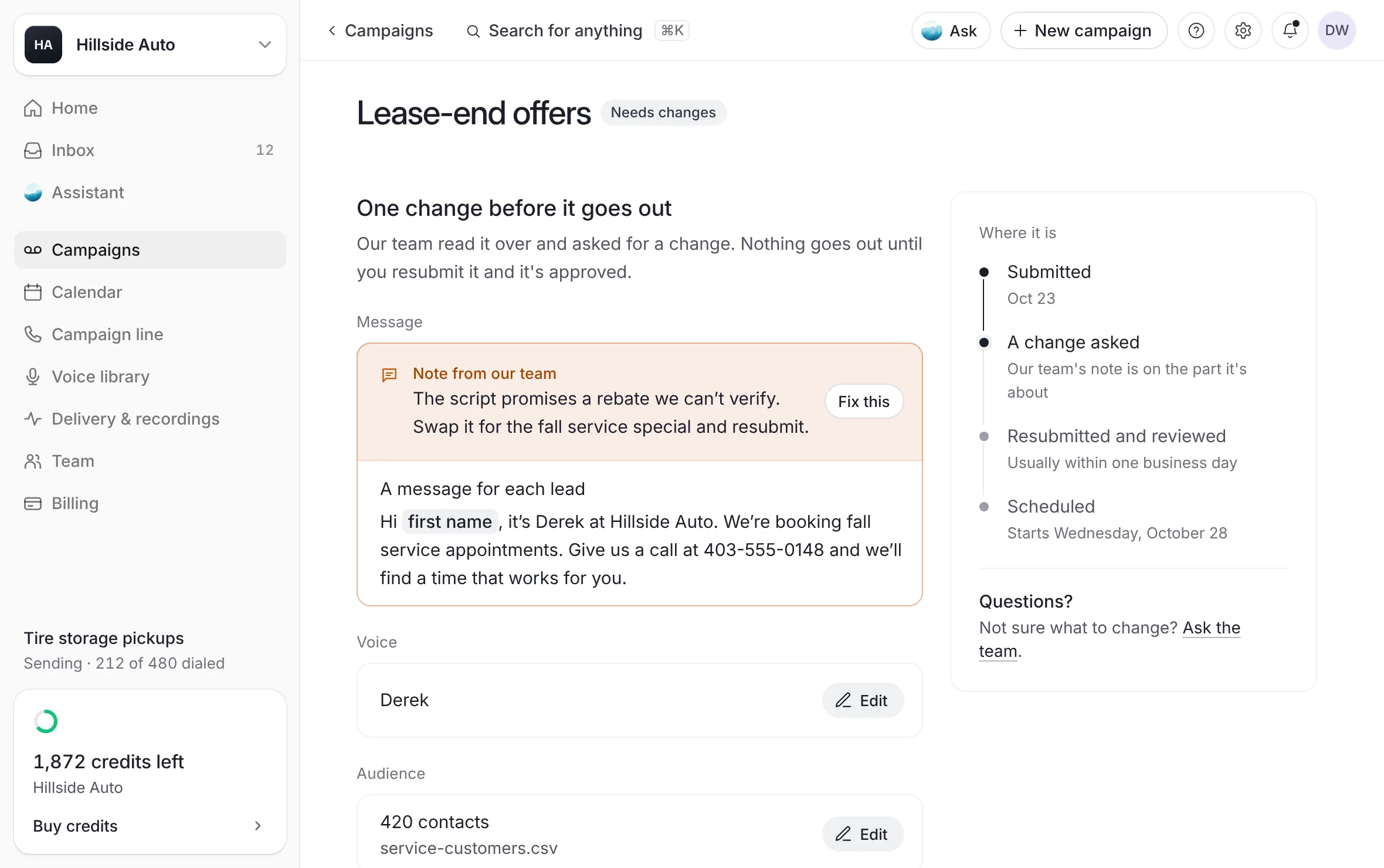 Example
- Spread a campaign over a day or several days ComingComing. Today every campaign goes out at once, from its start time.Read the article
A campaign is a list, a voice and a script, sent as voicemails on a day and a start time you choose. These pages cover building one, finding it again, reading its page, changing it after you submit, and running it again.
Last updated October 19, 2026