The campaign line
Your campaign line's number, where callbacks ring, the follow-up text, the Inbox, opt-outs, CRM leads, alerts and the line's activity.
- What the campaign line isThe Canadian local number your campaigns use. It shows on your voicemails, sends the follow-up text, rings your phone when a customer calls back, and matches every call and reply to its campaign.Read the article
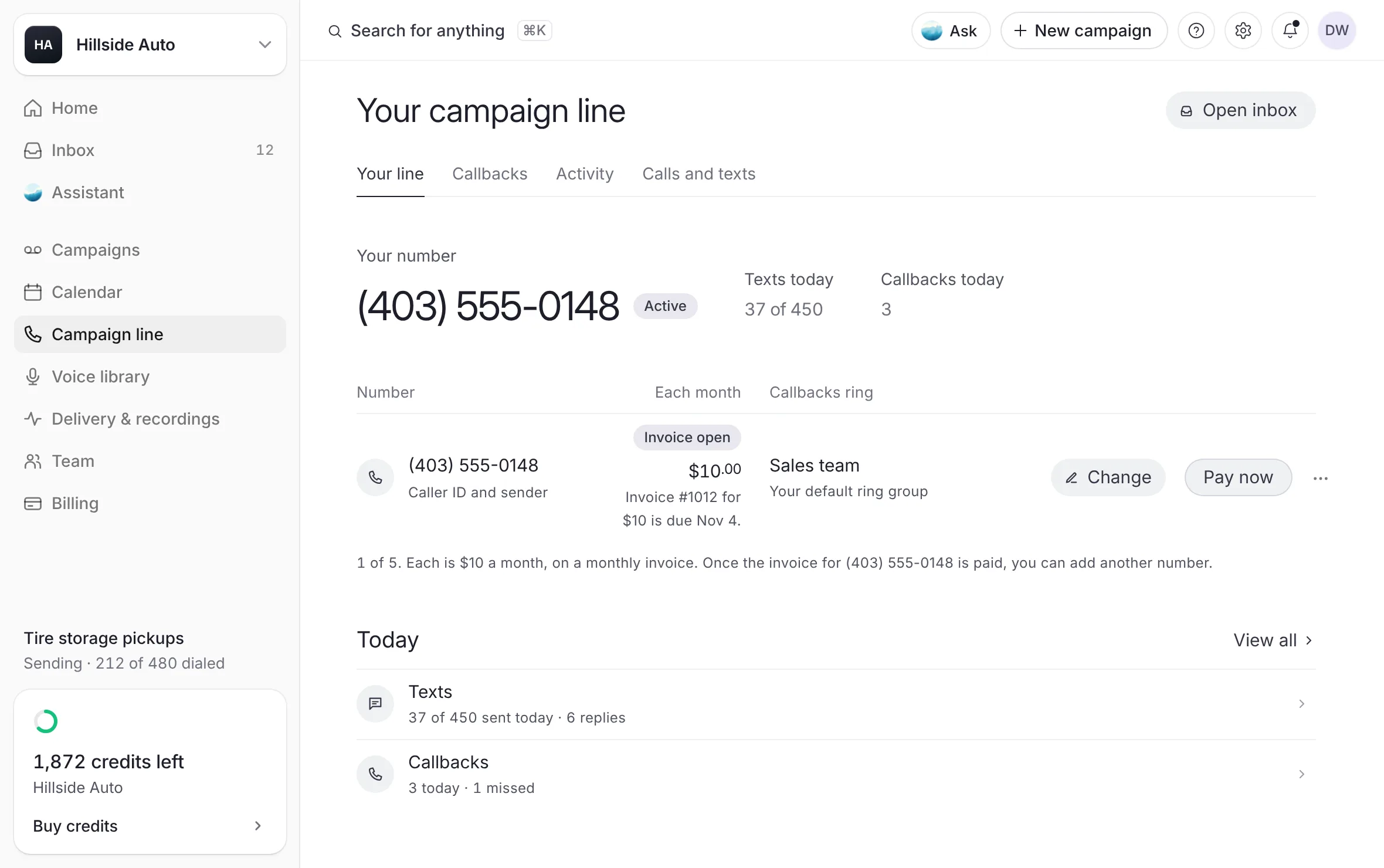 Example
- Get a numberChoose your campaign line's number by area code, city or province, confirm it, add more numbers to the line, move a number to another store of your dealer group, and release a number you no longer need.Read the article
- Callback numbers and where calls ringKeep a list of the phones a customer's callback can ring, choose the default, pick a phone for each campaign, and see the order the line follows when a call comes in.Read the article
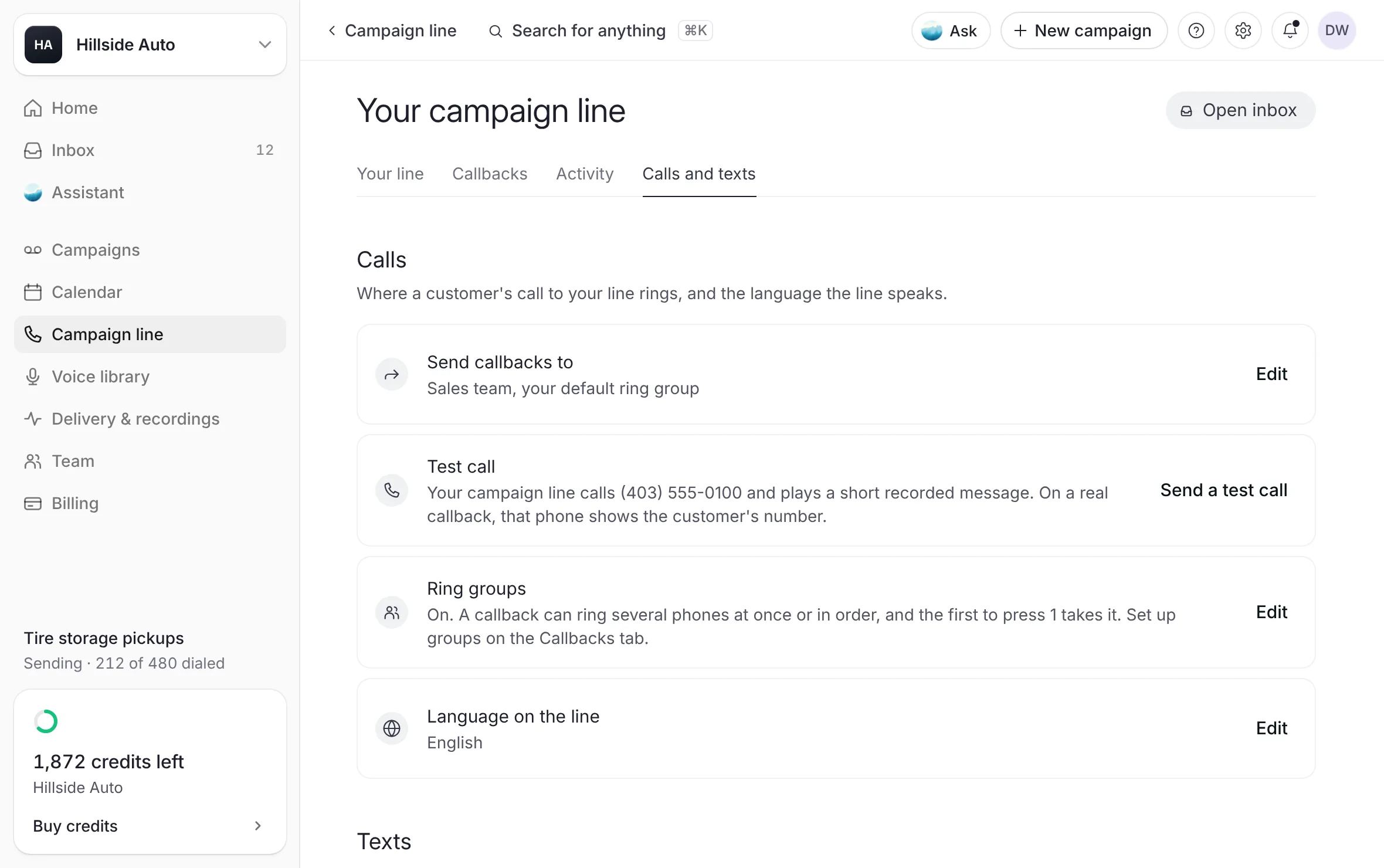
- Check a phone, and send a test callHave your campaign line call a callback phone and ask for 1, so you know it reaches a person, and send a test call that plays a short recorded message.Read the article
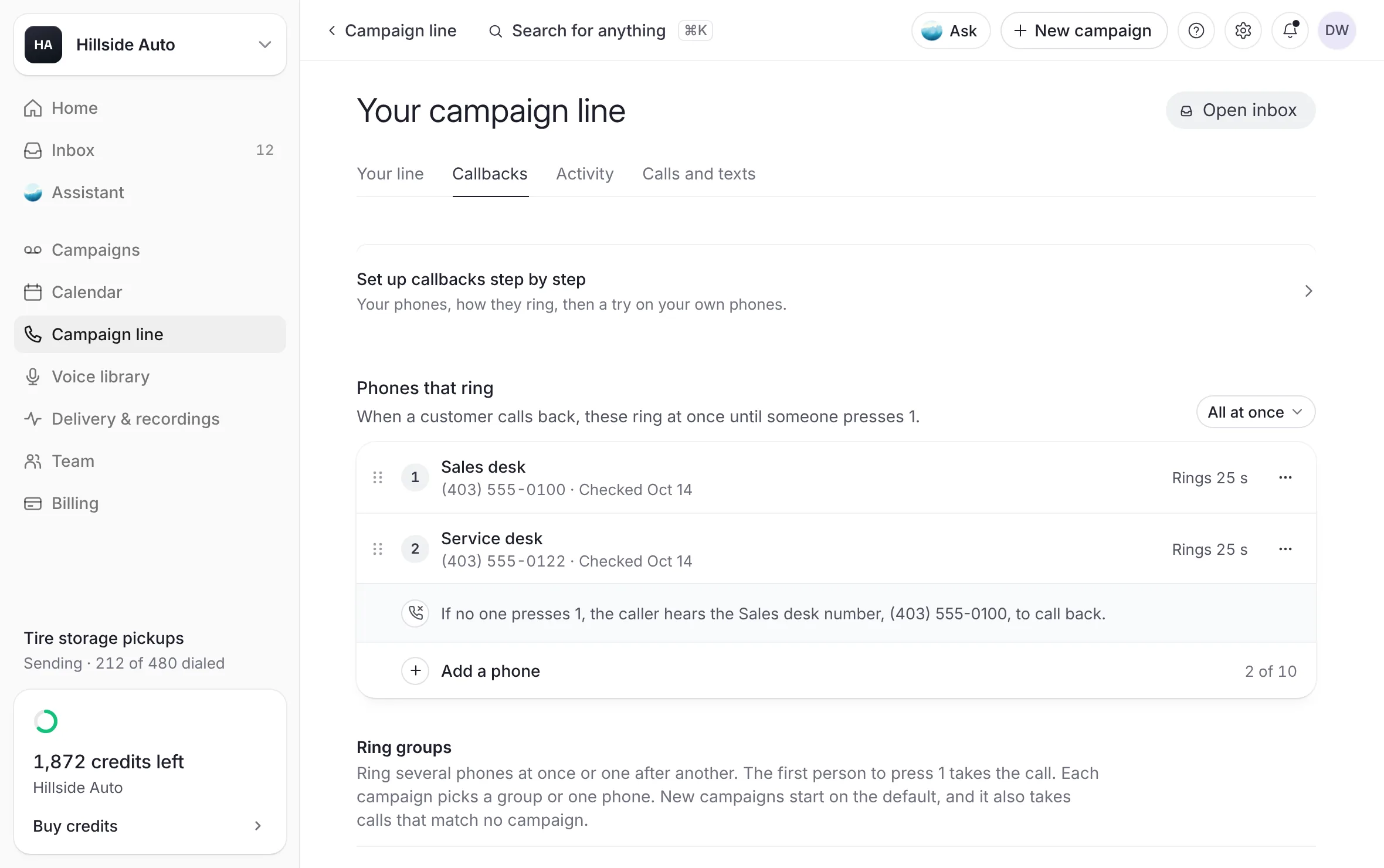 Example
- One phone, or a ring groupHow a customer's callback rings your phones. Ring one phone, or make a ring group that rings several at once or one after another, where the first person to press 1 takes the call. Then try it with a test ring.Read the article
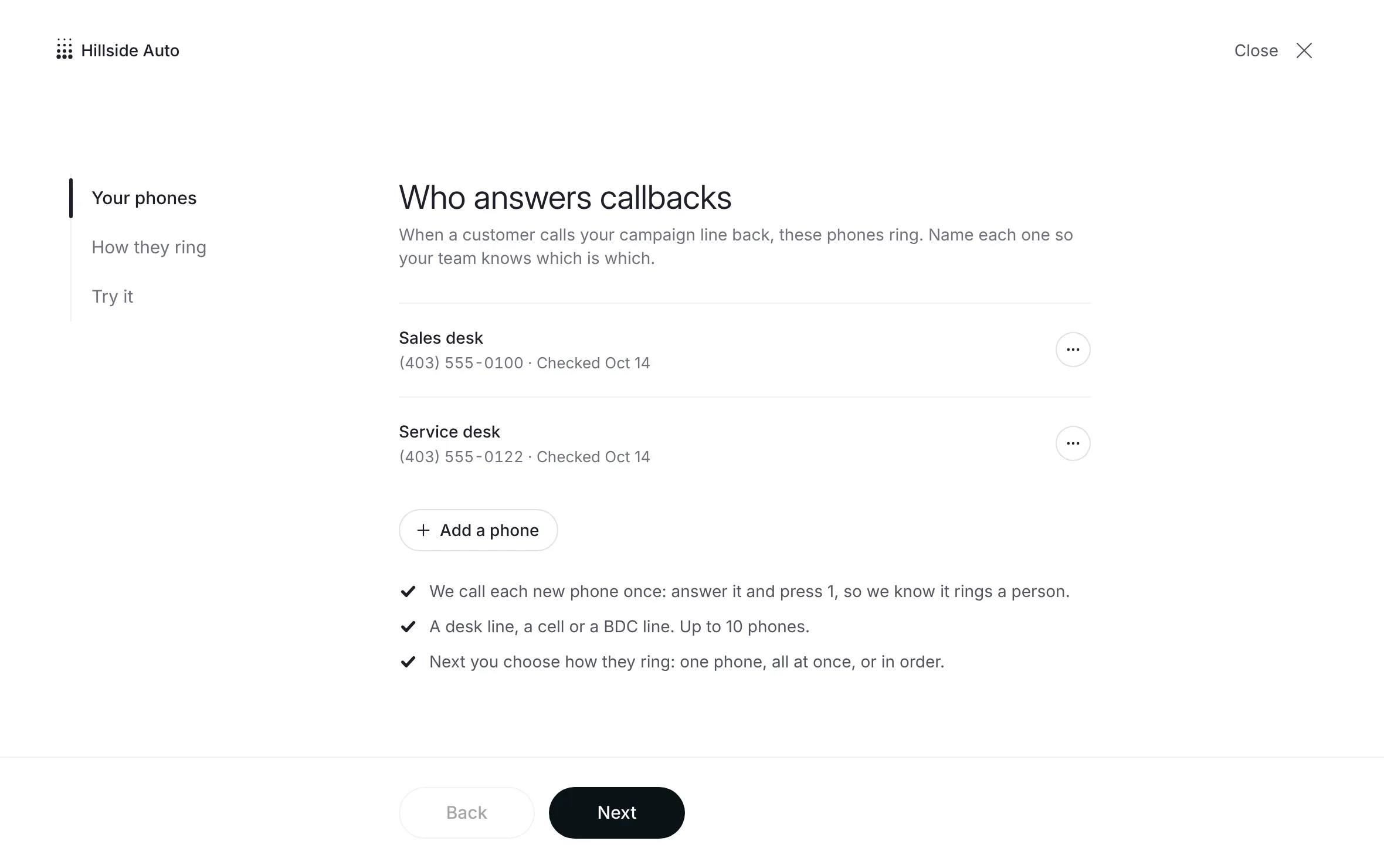 Example
- The follow-up textThe one text your campaign line sends after each delivered voicemail, included with the voicemail's credit. Who gets it, when it goes, how to write it in the builder, and the footer it always carries.Read the article
- Sender detailsYour legal business name and mailing address, which end every follow-up text. Add them once on the line's settings before your first follow-up text can go.Read the article
- The InboxEvery text conversation on your campaign line in one place. Read and answer replies, mark conversations done or unread, filter by campaign, and opt someone out.Read the article
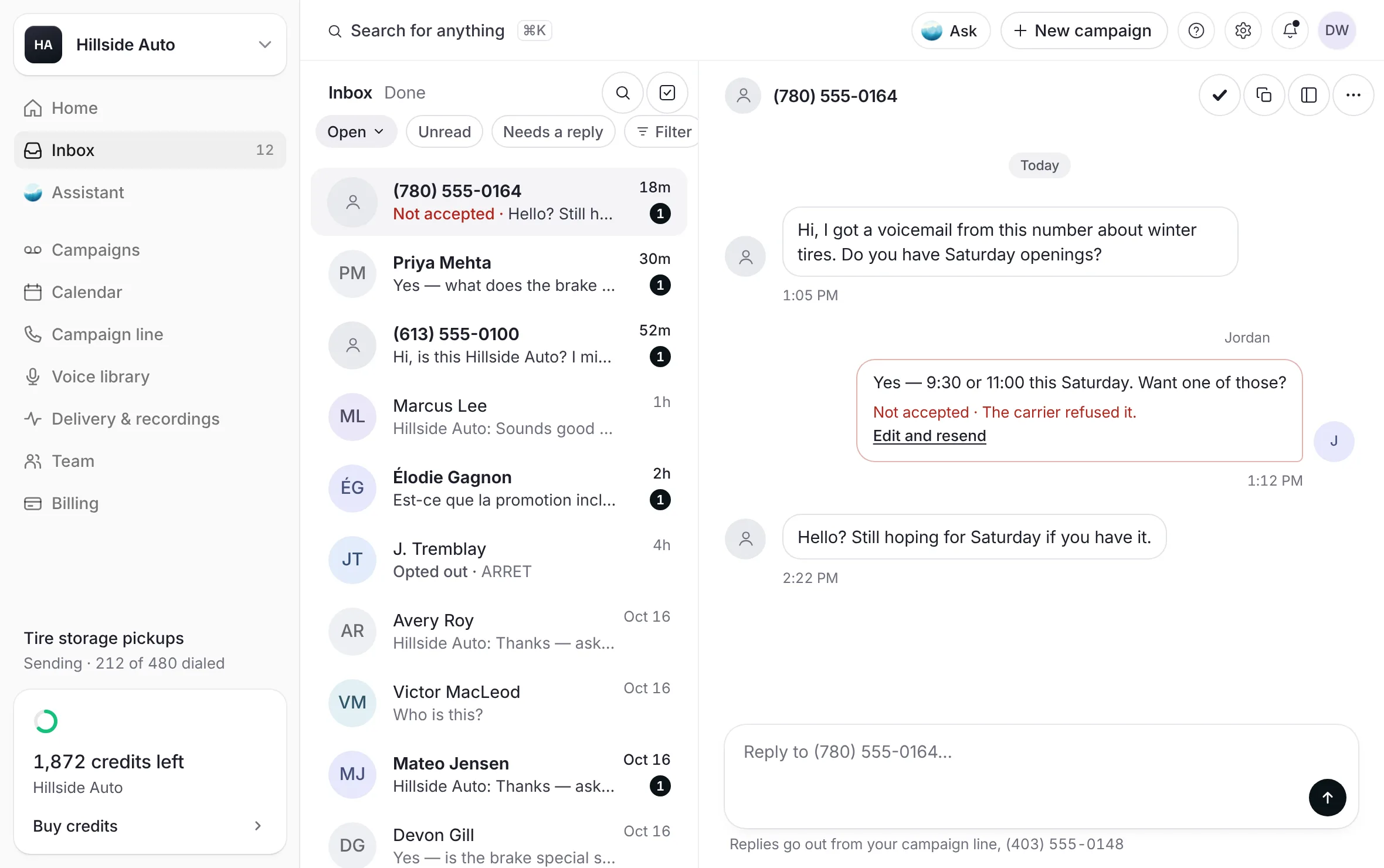 Example
- Opt-outsHow a person stops your texts and voicemails, the words that opt them out and back in, where your opted-out numbers are listed, and how to opt a number out by hand.Read the article
- Send leads to your CRMSend each callback and each first text reply to your CRM as a lead, by email in the ADF/XML format dealership CRMs read. What counts as a lead, how to set it up, and how to check what was sent.Read the article
 Example
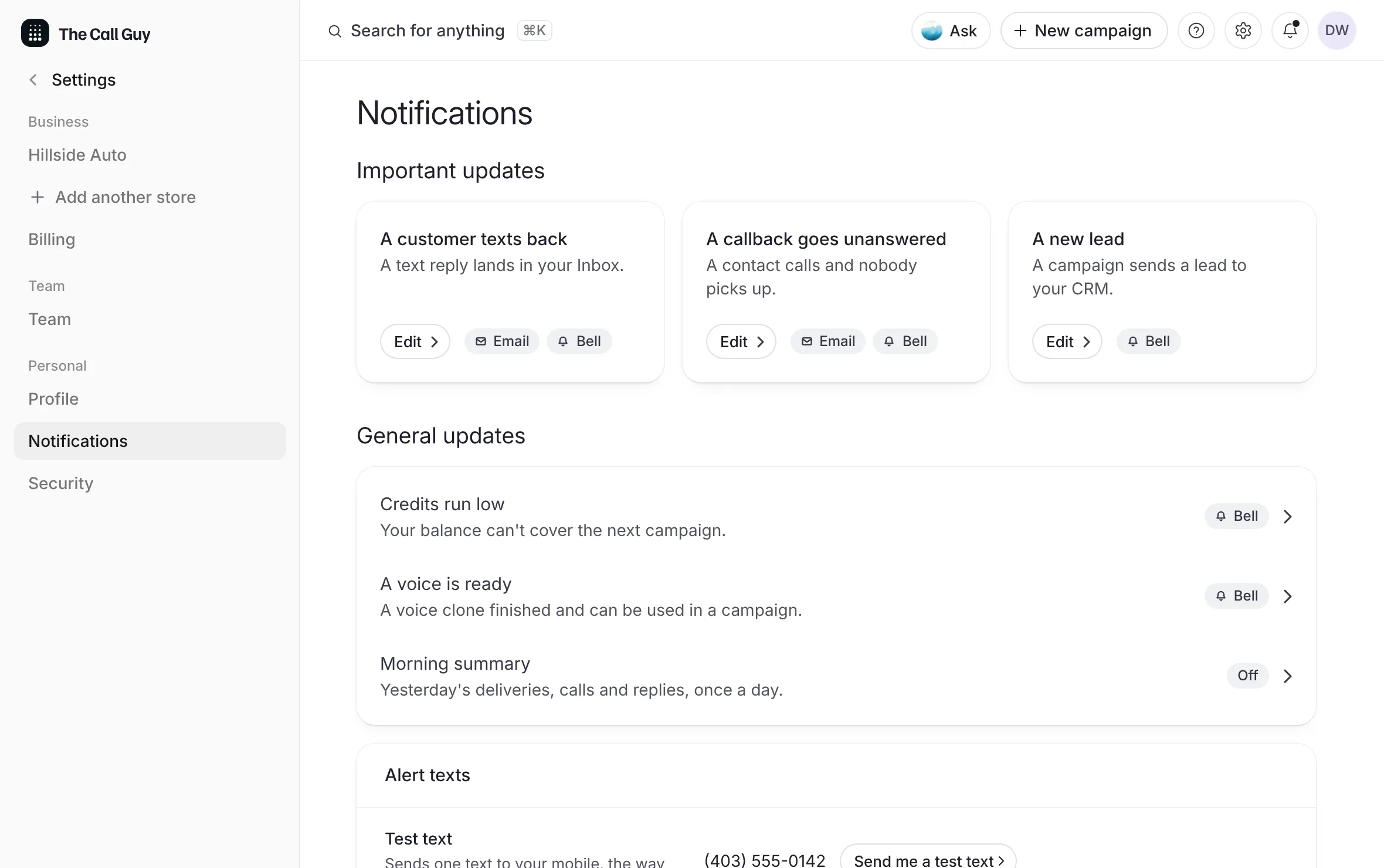
- Alerts and the daily summaryChoose how you hear about a reply, a missed callback and a new lead (email, text or the bell), set quiet hours, turn on the morning summary, and add the mobiles that get the line's reply texts.Read the article
 Example
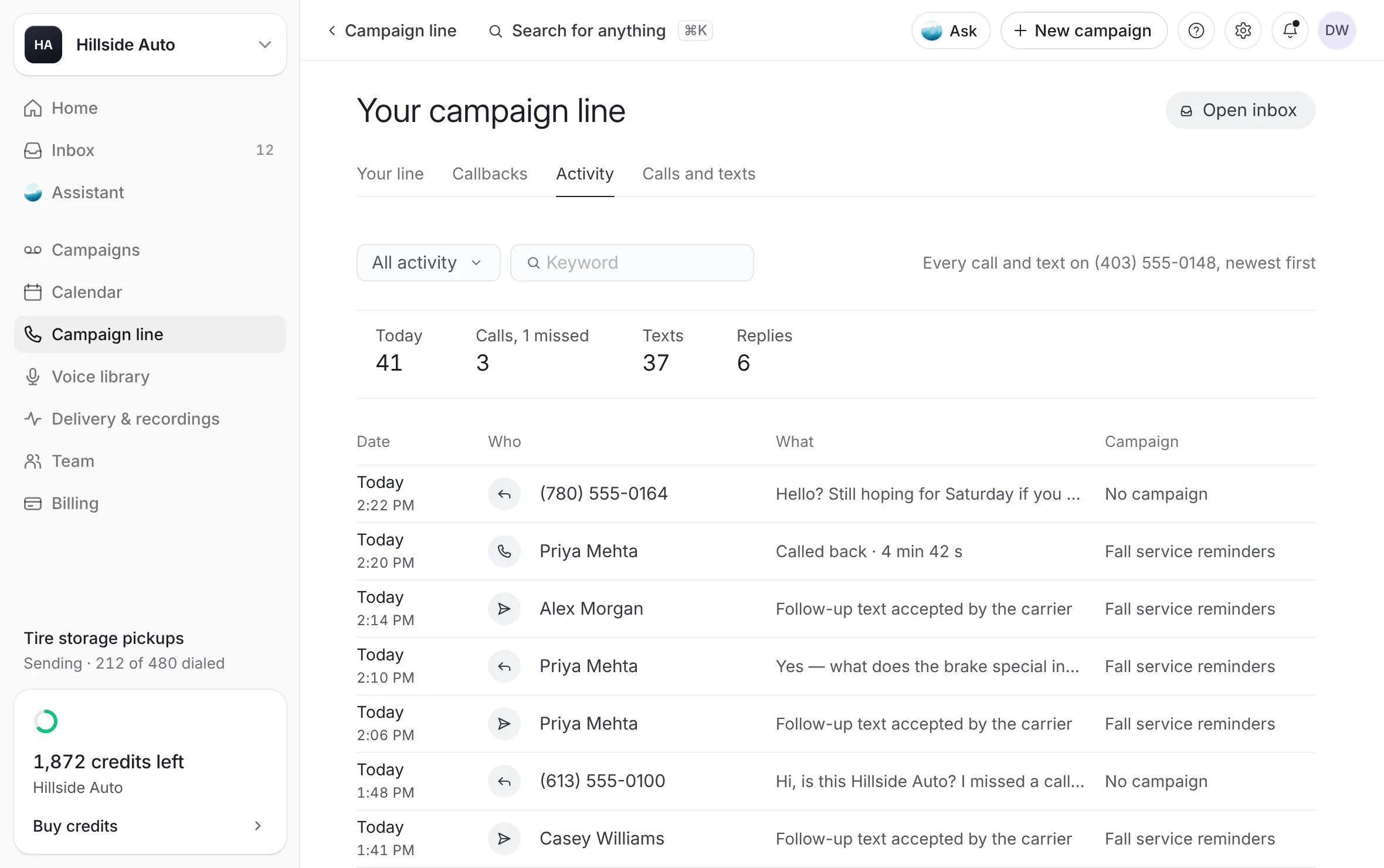
- Your line's activityEvery call and text on your campaign line, newest first, with today's figures, a filter for calls or texts, and a keyword search.Read the article
 Example
- A text after a missed callbackOne text from your campaign line to a customer whose callback nobody answered, saying sorry and how to reach you. Off until you turn it on. How to turn it on, how to put it in your own words, when it goes, and where you see it.Read the article
Your campaign line is the local number your campaigns use after the voicemail: it rings your phone when a customer calls back, it sends the follow-up text, and it collects the replies in your Inbox. These articles cover each part.
Good to know
Each number is $10 a month, on its own monthly invoice. The follow-up text is included with the voicemail's credit. See Paying for your campaign line.
Every callback figure counts calls to your campaign line. Counts calls to that number only.
Last updated October 19, 2026